
Download the 1win APK App for Android – Latest Version
The 1win application delivers real-money cricket betting, live casino games, and instant deposits right from your Android device. You can claim a welcome bonus of 500% up to ₹180 000 after registration. Download the APK now and start placing bets in under two minutes.
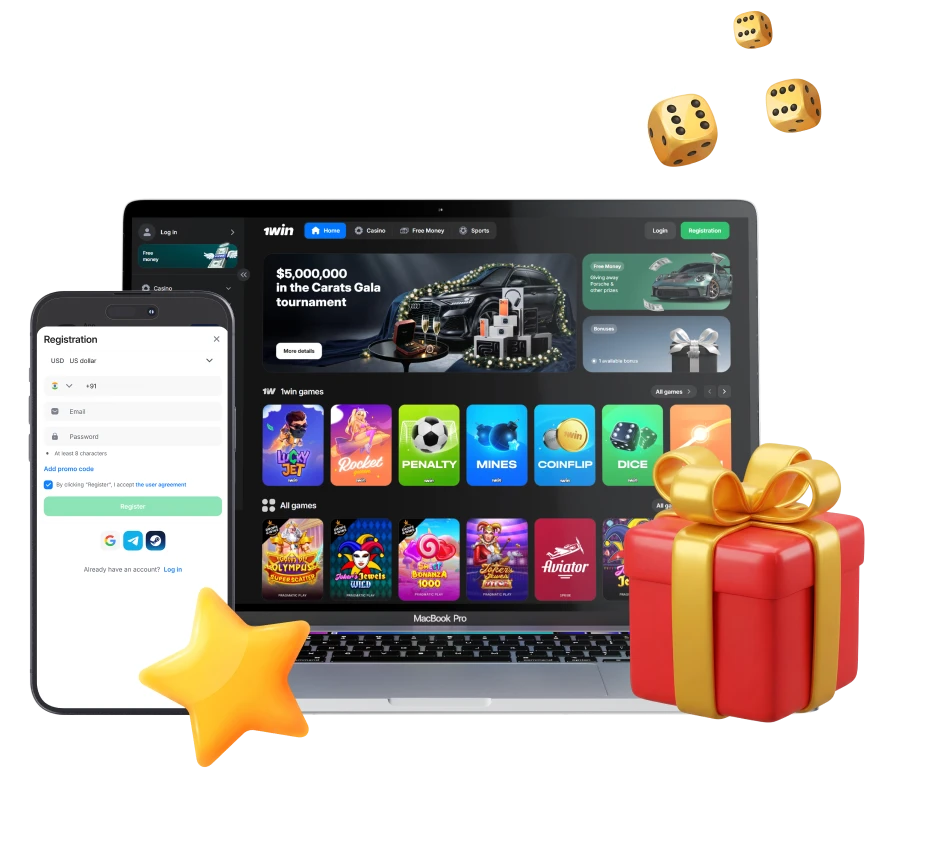
1win Android App Overview
This mobile application gives you direct access to sports betting, casino games, and account management without opening a browser. It runs faster than the mobile site, loads bets in real time, and sends instant notifications for match updates. The APK file installs in seconds and works on most Android phones sold in India.
| App Title | 1win |
| Version Number | 8.11.0 |
| Release Date | March 2025 |
| File Size | 128 MB |
| Download Link | Official APK from 1win website |
| Number of Downloads | 10,000,000+ |
| App Category | Sports Betting & Casino |
| Ratings | 4.6/5 |
| Last Updated Date | 28 March 2025 |
| Developer Name | 1win N.V. |
| OS Compatibility | Android |
| Minimum Android Version | 5.0 |
| Required Android Version | 5.0 and above |
Interface of 1win App
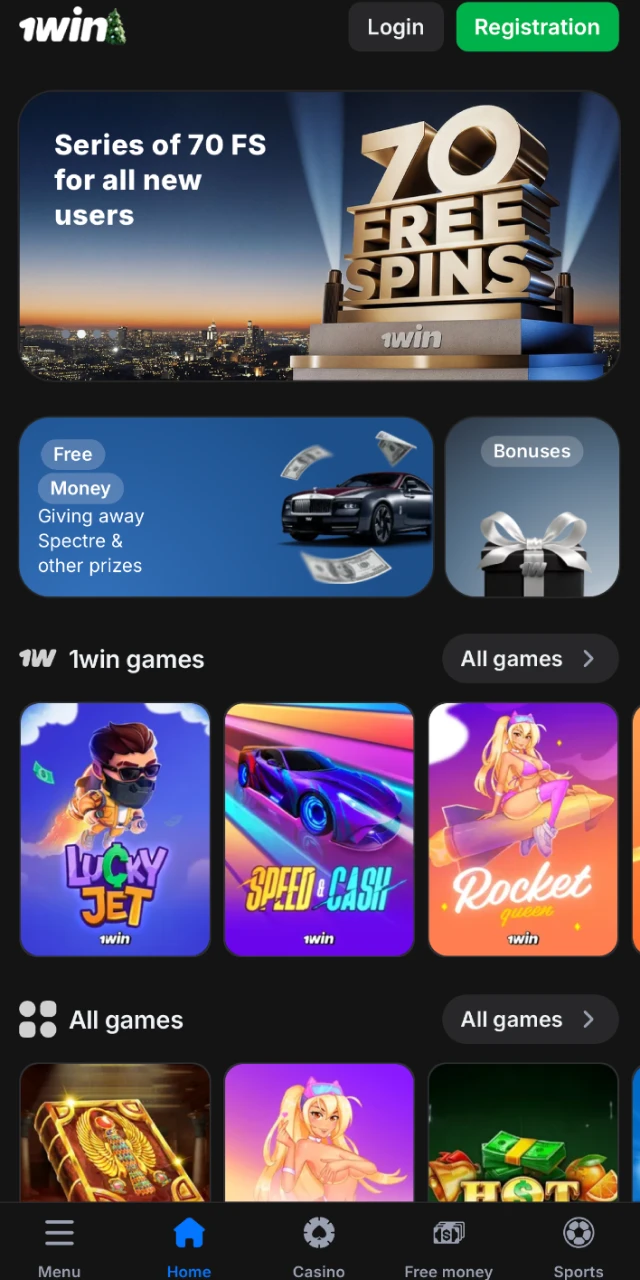
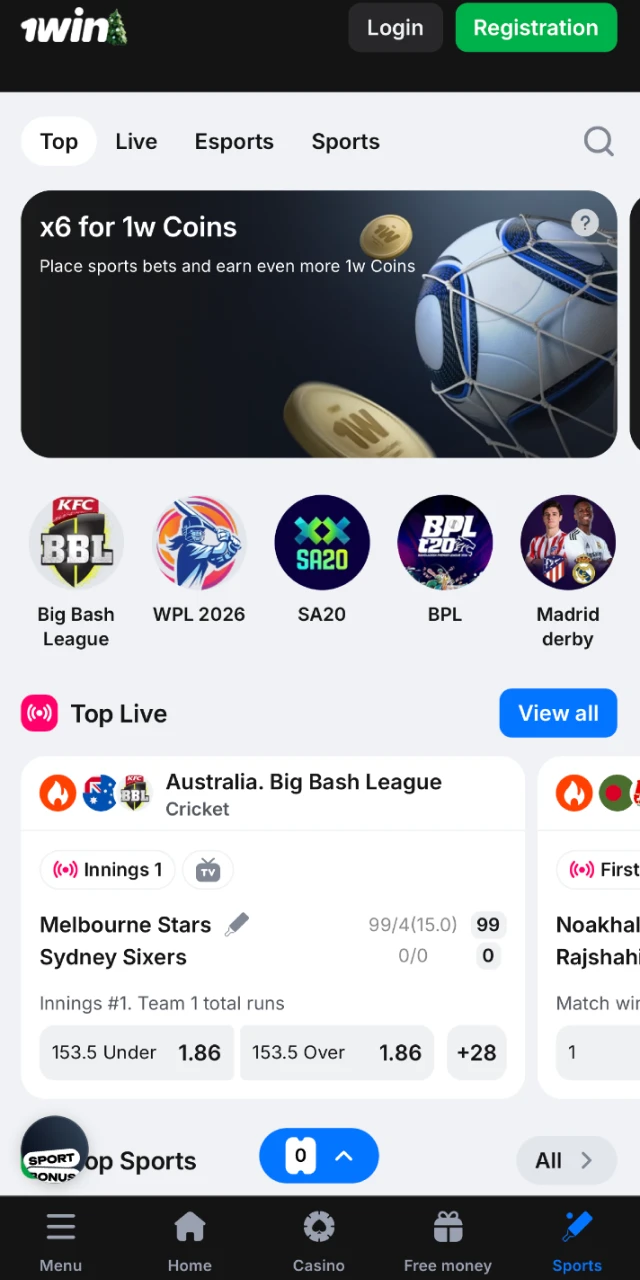
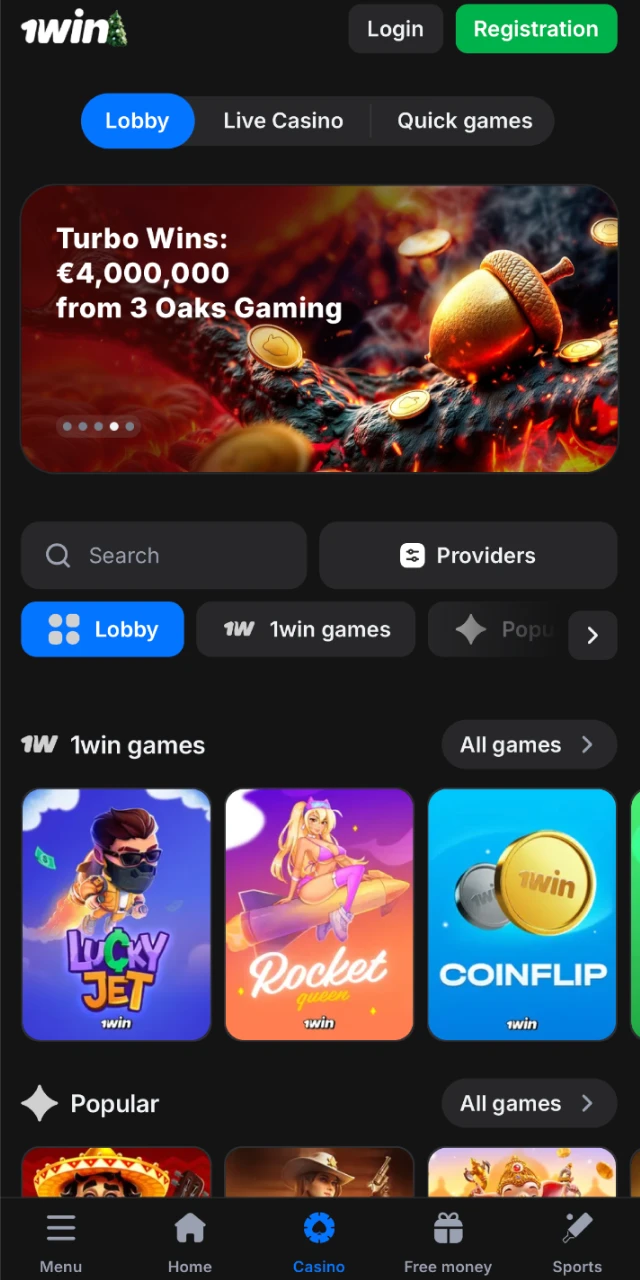
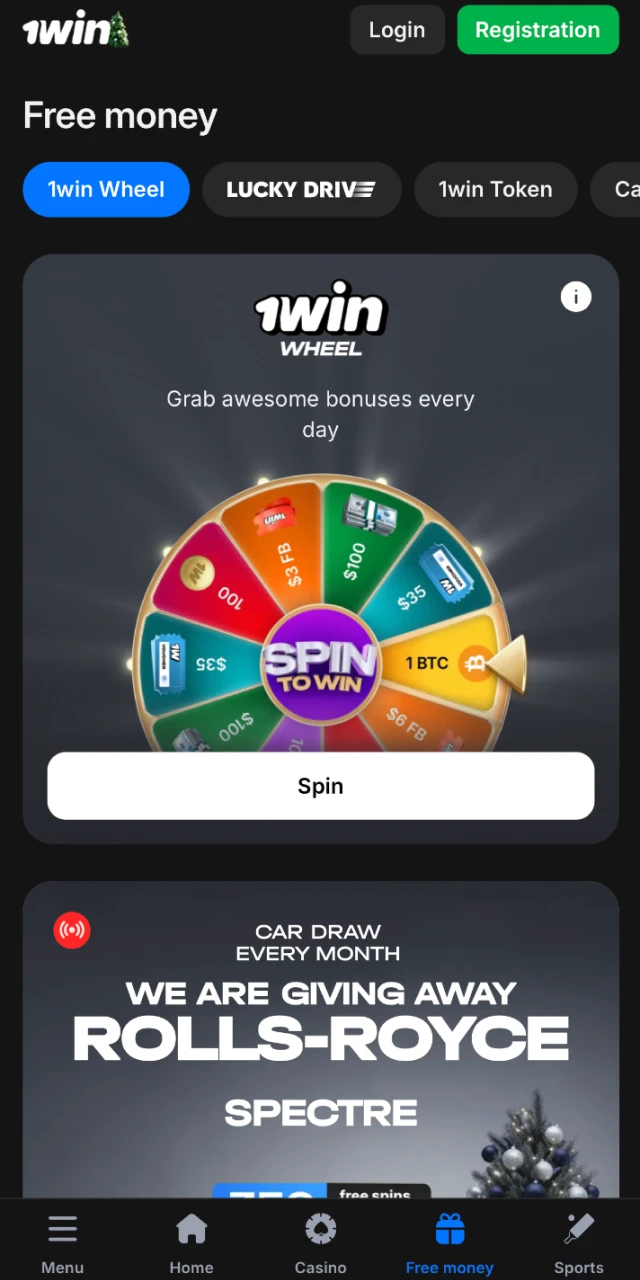
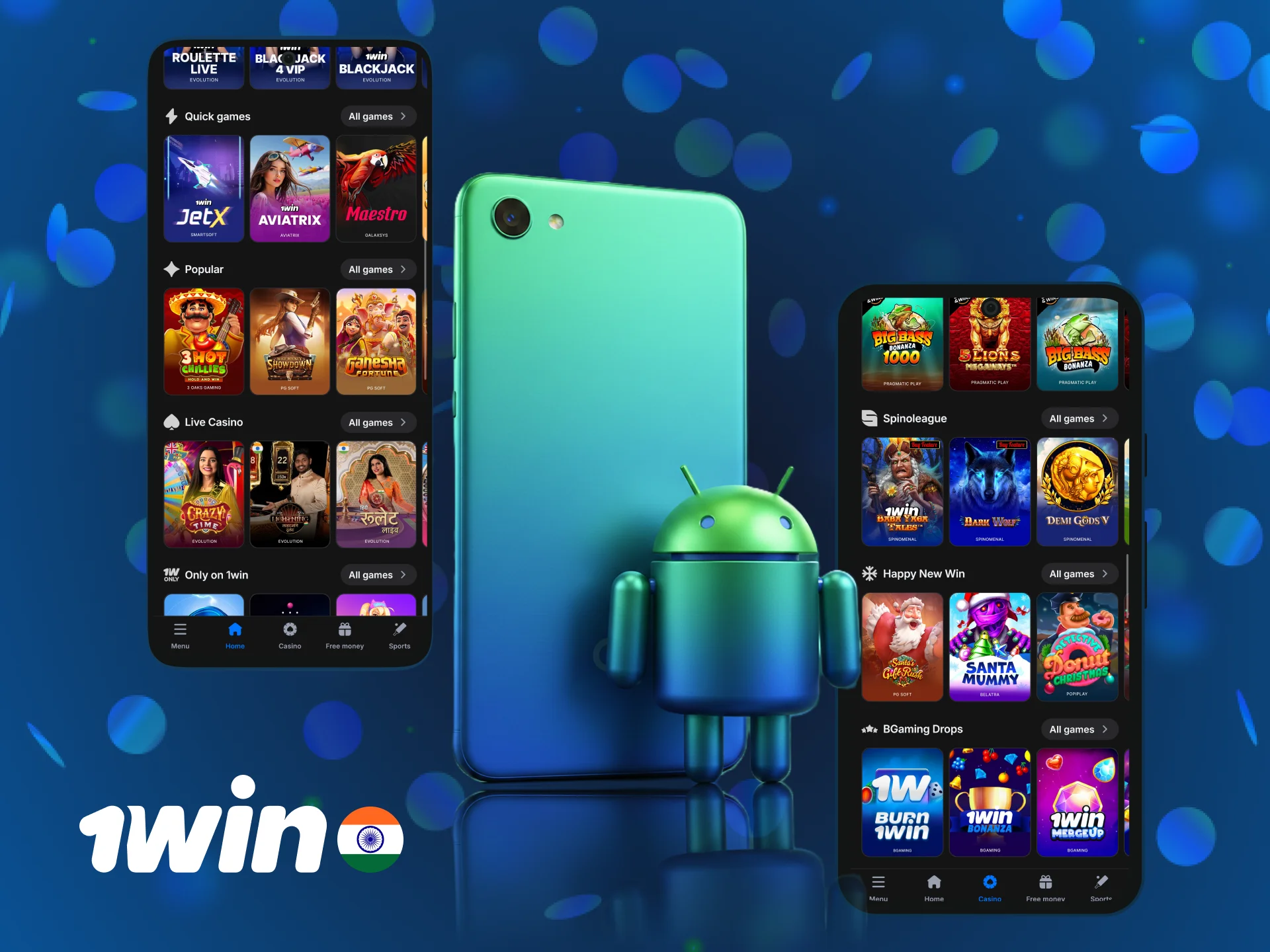
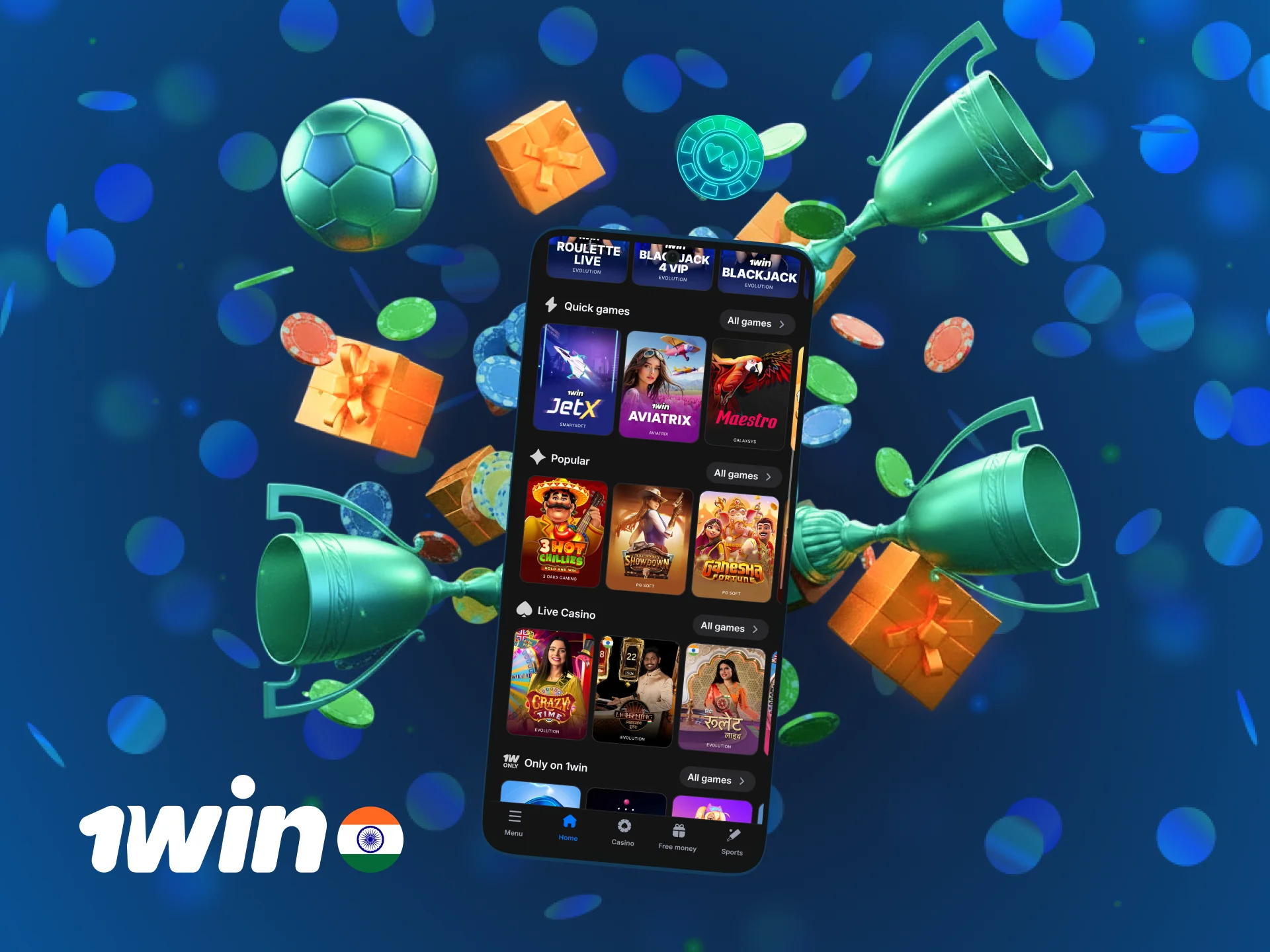
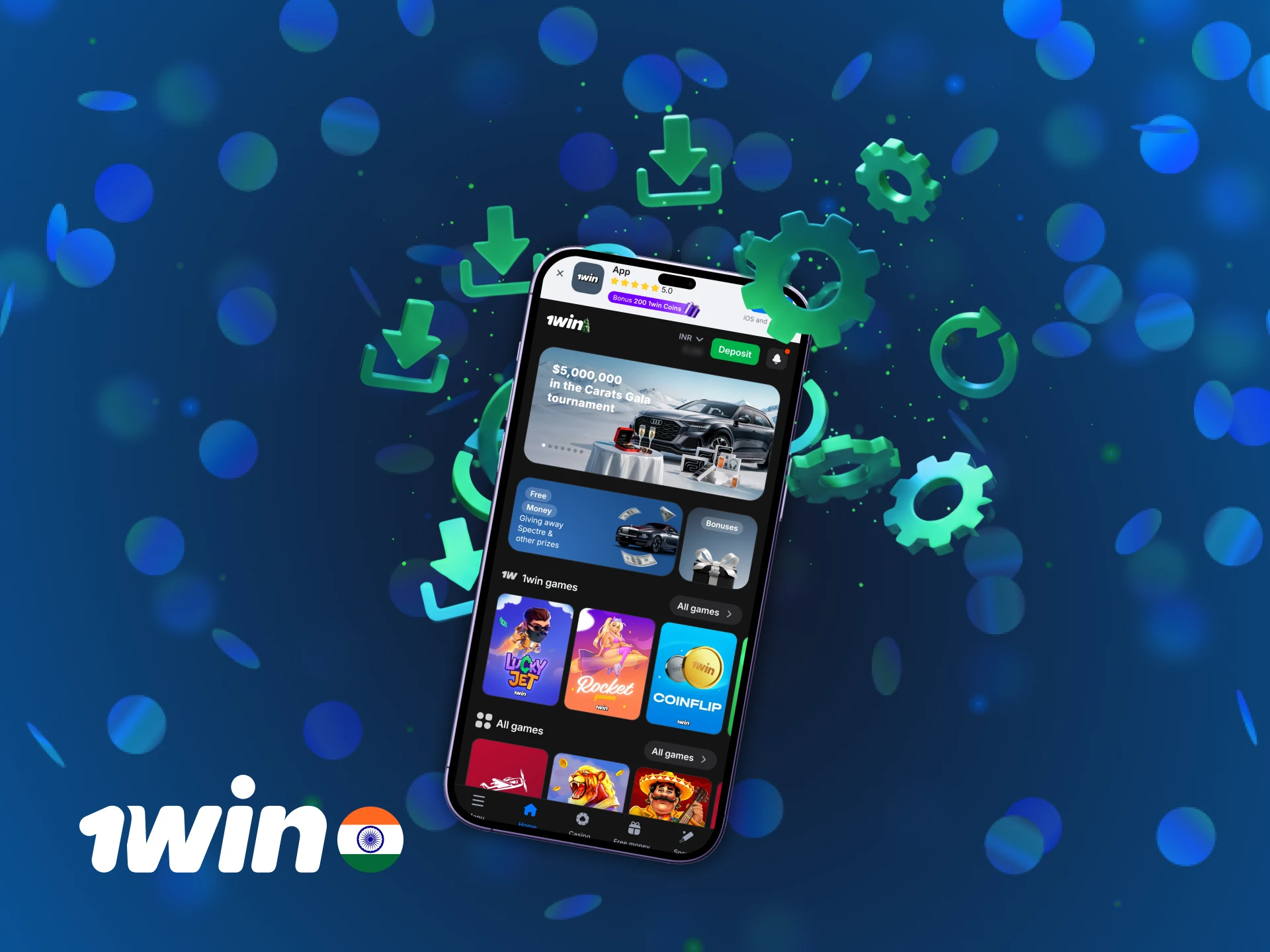
The home screen displays live cricket odds, popular slot games, and your account balance at the top. Navigation tabs sit at the bottom, letting you switch between Sports, Casino, and Profile sections in one tap. The interface uses large touch targets and clear fonts, so you never misclick during a live match.
Download and Install 1win APK for Android in 5 Steps
Installing the APK takes less than three minutes if you follow each step in order. The process requires enabling one setting in your Android phone to allow installation from sources outside Google Play.
Step 1
Click the ‘App’ Button
Open the official website on your Android browser and tap the “Download for Android” button located on the homepage banner.
Step 2
Download the 1win APK
Your browser will ask permission to download the file. Confirm the download and wait for the APK file to finish saving to your phone.
Step 3
Go to Downloads
Open your file manager or pull down the notification shade and tap the downloaded APK file to begin installation.
Step 4
Allow Installation
Android will prompt you to enable “Install from Unknown Sources” in settings. Turn this option on for your browser.
Step 5
Install the App
Tap “Install” and wait for the process to complete. Once finished, open the application and log in to your account.
System Requirements for Android
The application runs smoothly on most Android devices released after 2016. You need at least 2 GB of RAM and 150 MB of free storage to install and update the app without performance issues.
| System Requirements | Specification |
|---|---|
| Operating System | Android 5.0 or higher |
| RAM | 2 GB minimum, 4 GB recommended |
| Storage Space | 150 MB for installation and updates |
Supported Devices for 1win APK Version
The APK works on all major Android brands sold in India. Phones from Samsung, Xiaomi, and OnePlus deliver the best performance during live betting sessions.
| Brand | Models |
|---|---|
| Samsung | Galaxy S21, S22, S23, A53, A73, M33, M53 |
| Sony | Xperia 1 IV, Xperia 5 IV, Xperia 10 IV |
| Huawei | P50 Pro, Mate 50, Nova 10 |
| OnePlus | 10 Pro, 10T, Nord 2T, Nord CE 2 |
| Vivo | V25 Pro, V27, X80, Y75 |
| Pixel 6, Pixel 7, Pixel 7 Pro | |
| Xiaomi | 12 Pro, 13, Redmi Note 12, Redmi Note 11 |
| Oppo | Reno 8 Pro, Reno 9, F21 Pro |
| Poco | X5 Pro, F4, M5, C40 |
Registration Process via App
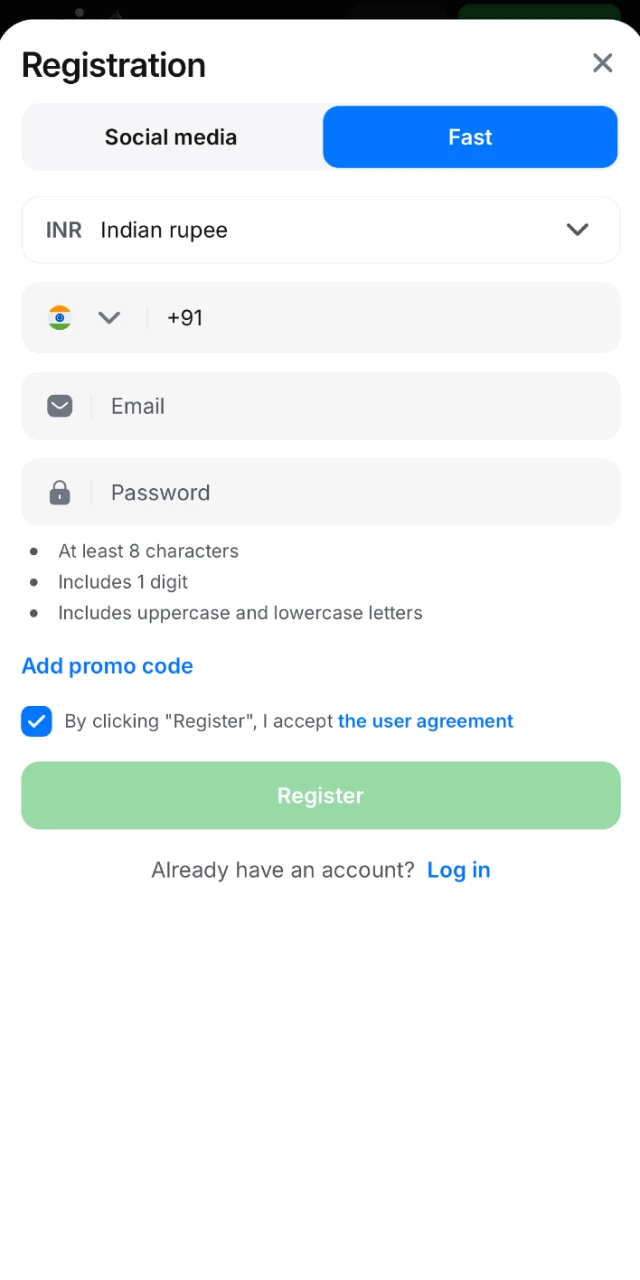
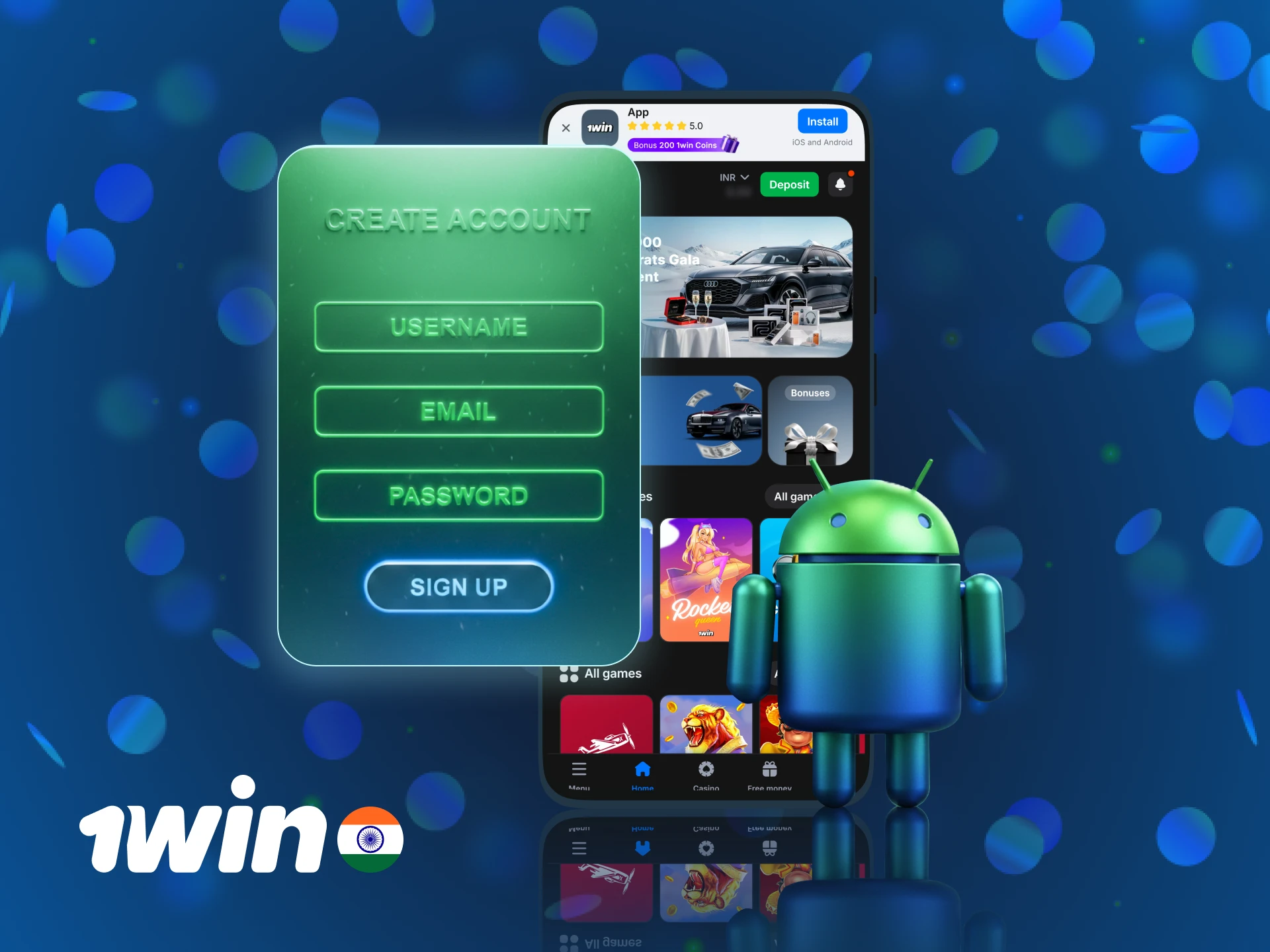
Creating an account through the mobile application takes under two minutes if you have your phone number and email ready. The app supports promo codes during sign-up, so you can activate bonus offers right from the registration screen.
- Open the application and tap the “Sign Up” button on the welcome screen.
- Choose your registration method: phone number, email, or social media account.
- Enter your personal details including full name, date of birth, and currency (INR).
- Type in a promo code if you have one to unlock additional bonuses.
- Confirm your phone number via SMS code and set a secure password for your account.
Once registration 1win is complete, you can make your first deposit and claim the welcome bonus instantly.
Bonuses for Mobile Players
The mobile application gives you access to the same bonus offers available on the desktop site. New players receive a 500% welcome bonus on their first deposit, while regular users can claim reload bonuses and free bets every week. All bonuses appear in your account balance immediately after meeting the deposit requirement.
Welcome Bonus
| Field | Details |
|---|---|
| Type | First Deposit Bonus |
| Amount | 500% up to ₹1,80,000 |
| Terms and Conditions | Minimum deposit ₹300, 5x wagering requirement on sports bets with odds 1.3 or higher |
| Validity Period | 30 days from activation |
| Eligible Games | Sports betting (Cricket, Football, Kabaddi, Tennis) |
Deposit Bonus
| Field | Details |
|---|---|
| Type | Reload Bonus |
| Amount | 50% up to ₹25,000 |
| Terms and Conditions | Available on every 5th deposit, 3x wagering on casino games |
| Validity Period | 14 days from activation |
| Eligible Games | Slots, Live Casino, Table Games |
Free Bet
| Field | Details |
|---|---|
| Type | Weekly Free Bet |
| Amount | ₹500 |
| Terms and Conditions | Place at least 5 bets of ₹1,000 or more in a week |
| Validity Period | 7 days |
| Eligible Games | Cricket, Football, Kabaddi |
How to Update 1win App to the Latest Version?
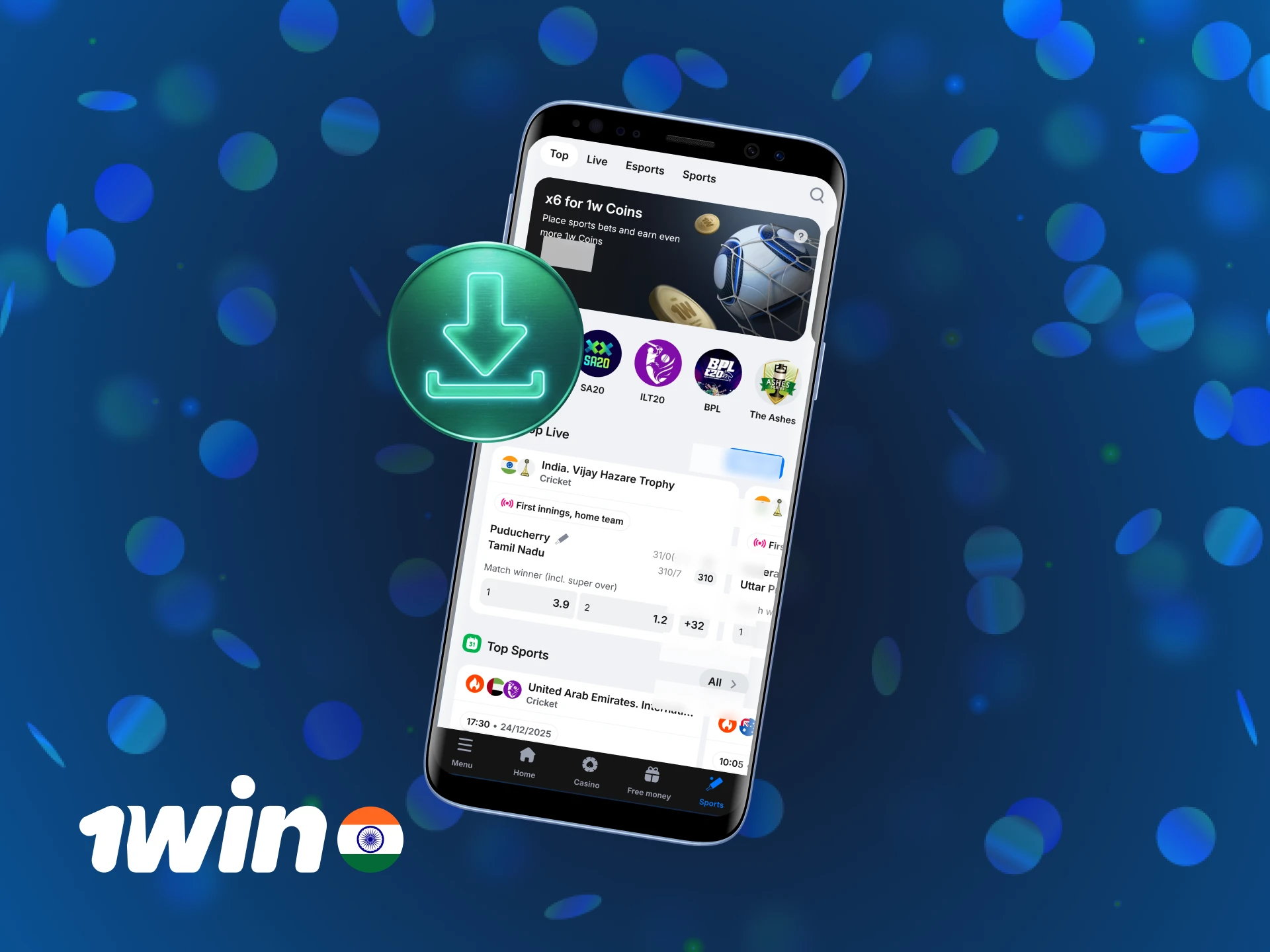
You must download the new APK file manually from the official website because the application does not appear on Google Play. Open the site on your Android browser, tap the download button, and install the updated version over the old one. Your login details and account balance remain unchanged during the update. The process takes less than five minutes and does not require uninstalling the current version. You can check your current version number in the app settings under “About” to see if a newer release is available.
Importance of Updating 1win App
New versions fix bugs, improve loading speed, and add features like faster bet placement or new payment methods. Outdated versions may stop working if the platform changes its backend systems. Updates also patch security vulnerabilities, protecting your account from unauthorized access. Running the latest release ensures you receive real-time notifications and never miss a live match or bonus offer.
How to Place the First Bet?
Placing your first bet takes less than a minute once your account is funded.
Step 1
Open the Sports section
Open the Sports section and choose a match from the list of live or upcoming events.
Step 2
Tap on the odds
Tap on the odds for your selected outcome to add it to your bet slip.
Step 3
Enter your stake amount
Enter your stake amount and review the potential payout displayed at the bottom.
Step 4
Confirm the bet
Confirm the bet and wait for the result to appear in your bet history.
1win App Features
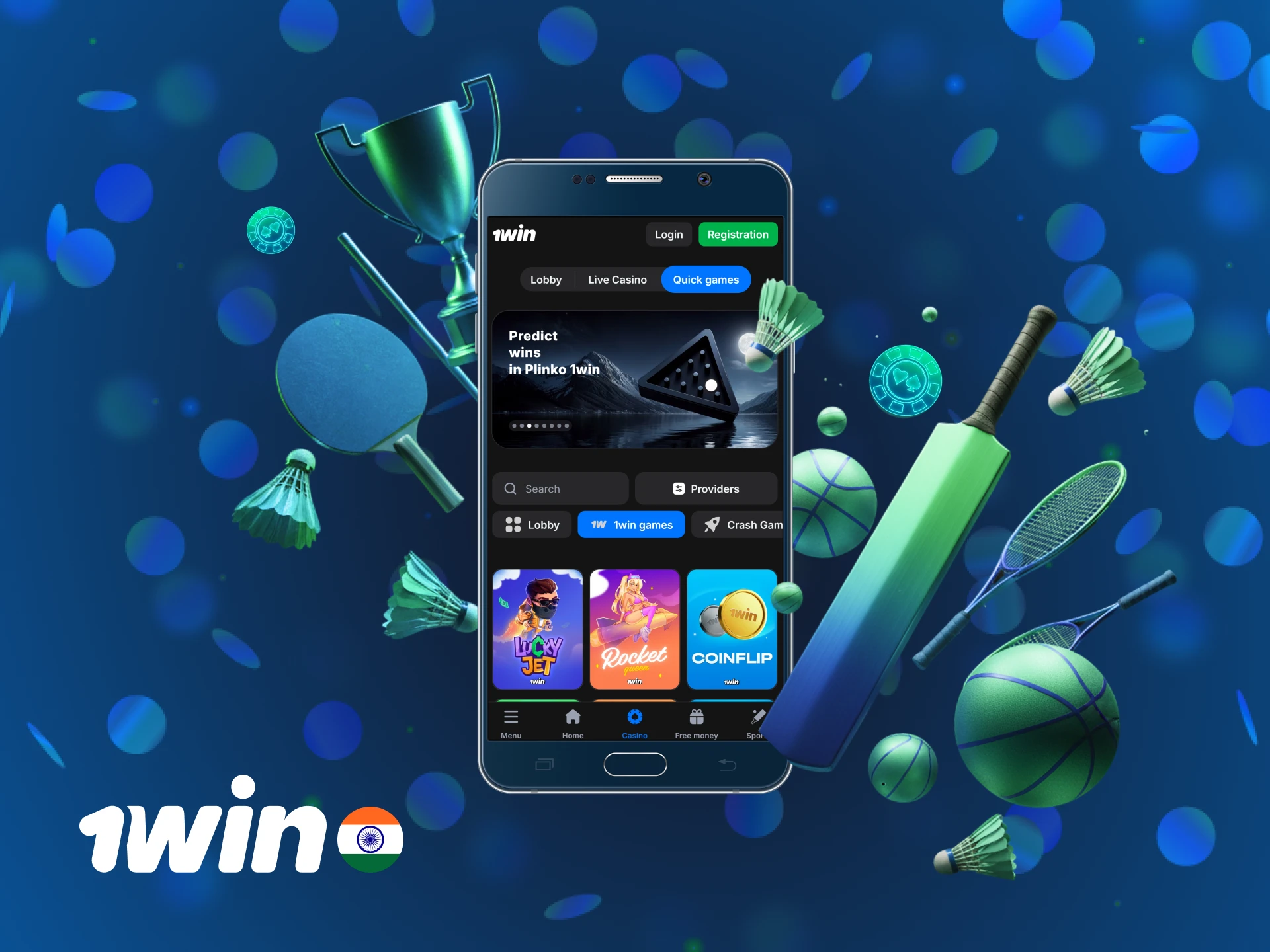
The application combines sports betting, casino gaming, and account management in one interface. You can deposit funds, place live bets, and withdraw winnings without switching between multiple screens. Push notifications alert you to match results and bonus offers in real time. The app stores your login session securely, so you never have to re-enter credentials unless you log out manually. All features load faster than the mobile site, reducing delays during high-traffic events like IPL matches.
Live Betting Features
Live betting updates odds every few seconds during ongoing matches, giving you the chance to place bets based on current game momentum. The app supports cricket, football, kabaddi, and tennis with minimal latency between real-time events and odds changes. You can view live statistics like runs scored, wickets taken, and player performance directly on the bet slip. The interface highlights popular markets at the top, so you spend less time scrolling through options. Live streaming is available for selected matches, letting you watch and bet simultaneously without leaving the app.
| Feature | Details |
|---|---|
| Availability | 24/7 for major sports |
| Latency | Under 2 seconds |
| Supported Sports | Cricket, Football, Kabaddi, Tennis, Basketball |
| User Interface Elements | Live scoreboard, bet slip, statistics panel |
| Live Streaming | Available for select cricket and football matches |
Casino Games Features
The casino section includes over 5,000 slot games, 150 live dealer tables, and classic games like Andar Bahar and Teen Patti. Games load in under three seconds on a stable internet connection, even during peak hours. Live casino tables stream in HD quality, showing real dealers and game results in real time. Popular providers include Pragmatic Play, Evolution Gaming, Ezugi, and NetEnt. You can filter games by category, provider, or popularity to find your preferred titles quickly.
| Feature | Details |
|---|---|
| Game Selection | 5,000+ slots, 150+ live tables, 50+ table games |
| Game Loading Speed | Under 3 seconds |
| Live Casino Integration | HD streaming with real dealers |
| Game Providers | Pragmatic Play, Evolution, Ezugi, NetEnt, Playtech |
Deposit Features
You can fund your account using UPI, net banking, Paytm, PhonePe, or cryptocurrency. The minimum deposit is ₹300, and most transactions appear in your balance within two minutes. The app encrypts all payment details using 256-bit SSL, preventing unauthorized access to your banking information. Transaction history shows every deposit with timestamps and payment methods used. Maximum deposit limits depend on your chosen payment method, ranging from ₹1,00,000 to ₹10,00,000 per transaction.
| Payment Method | Minimum | Maximum | Processing Time |
|---|---|---|---|
| UPI | ₹300 | ₹1,00,000 | Instant |
| Net Banking | ₹300 | ₹5,00,000 | 2-5 minutes |
| Paytm | ₹300 | ₹1,00,000 | Instant |
| PhonePe | ₹300 | ₹1,00,000 | Instant |
| Cryptocurrency | ₹500 | ₹10,00,000 | 10-15 minutes |
Withdrawal Features
Withdrawals process faster through UPI and bank transfer compared to e-wallets or cryptocurrency. The minimum withdrawal is ₹1,000, and you must verify your account before requesting your first payout. Most UPI withdrawals arrive in your bank account within 15 minutes during business hours. The app limits withdrawals to ₹5,00,000 per transaction for security reasons. You can track withdrawal status in the transaction history section, which updates every time the payment moves to a new stage.
| Withdrawal Method | Minimum | Maximum | Processing Time |
|---|---|---|---|
| UPI | ₹1,000 | ₹5,00,000 | 15 minutes |
| Bank Transfer | ₹1,000 | ₹5,00,000 | 1-3 hours |
| Paytm | ₹1,000 | ₹2,00,000 | 30 minutes |
| Cryptocurrency | ₹1,500 | ₹10,00,000 | 1-2 hours |
User Profile Features
The profile section displays your current balance, bonus funds, and active bets in one screen. You can update personal details like phone number, email, and password without contacting support. Transaction history lists every deposit, withdrawal, bet, and bonus credit sorted by date. The app saves your preferred currency and language settings, so you never have to reconfigure them after updates. Balance updates happen instantly after every bet settlement or deposit confirmation.
Notification Features
Push notifications alert you to bet results, bonus offers, and match updates in real time. You can customize notification types in the settings menu, choosing to receive alerts only for specific sports or promotions. The app delivers notifications reliably even when running in the background or when your phone screen is locked. Notification settings include options for sound, vibration, and pop-up display preferences. You receive notifications for deposit confirmations, withdrawal approvals, and account security alerts automatically.
App vs Desktop: What’s Better?
Using the mobile application feels faster and more convenient than opening the desktop site every time you want to place a bet. The app loads your account instantly, sends live match notifications, and lets you deposit funds using UPI without typing long URLs.
| Feature | 1win App | Desktop Version |
|---|---|---|
| Access | One-tap launch from home screen | Requires browser and URL entry |
| Installation | APK file, 128 MB | No installation needed |
| Performance | Optimised for mobile, faster load times | Depends on browser and connection |
| Controls | Touch gestures, swipe navigation | Mouse and keyboard |
| Updates | Manual APK download | Automatic via browser |
| Notifications | Real-time push alerts | Email or browser notifications |
| Portability | Available anywhere | Requires laptop or PC |
| Internet Needs | Works on 3G/4G/5G | Best on Wi-Fi or broadband |
| Ease of Use | Single-hand operation | Requires desk setup |
1win App Security Protocols
The application encrypts all data transfers using 256-bit SSL, the same standard used by banks and payment gateways. Your login credentials, payment details, and betting history remain protected from interception during transmission. The platform stores sensitive information on secure servers located outside India, reducing the risk of local data breaches. Two-factor authentication adds an extra layer of security by requiring an SMS code every time you log in from a new device. Payment security protocols verify your identity before processing withdrawals, preventing unauthorized access to your winnings. The app automatically logs you out after 30 minutes of inactivity, protecting your account if you leave your phone unattended. Regular security audits ensure the system stays protected against new threats and vulnerabilities.
1win App Device Permissions
The application requests access to your phone storage to save the APK file and cache game data for faster loading. It needs notification permissions to send alerts about bet results, match updates, and bonus offers. The app may ask for location access to verify your country and comply with regional betting regulations. Camera permission is optional and only required if you choose to upload identity documents for account verification. Internet access permission is mandatory because the app cannot function offline. These permissions do not grant access to your contacts, messages, or call logs. You can review and modify permissions anytime in your Android settings under the app management section.
FAQ
Can I use the app without completing account verification?
You can place bets and make deposits without verification, but you must complete the process before requesting your first withdrawal.
Does the app work on Android tablets?
Yes, the APK installs and runs on Android tablets running version 5.0 or higher.
What happens if I uninstall the app?
Your account remains active, and you can reinstall the app anytime to access your balance and betting history.
Can I switch between the app and mobile site using the same account?
Yes, your login credentials work across all platforms, and your balance syncs automatically.
How do I contact support through the app?
Open the menu and tap “Support” to access live chat, email, or phone options.
Does the app support Hindi language?
Yes, you can switch to Hindi or other regional languages in the settings menu.
Can I delete my betting history from the app?
No, betting history remains stored for regulatory compliance, but only you can view it in your account.
What should I do if the app crashes during a bet?
Restart the app and check your bet history to confirm if the bet was placed. Contact support if the issue persists.
Updated: