
Download 1win App for Android (APK) and iOS (iPhone, iPad)
The mobile application supports multiple languages and is available for download in India. The APK file can be installed legally on Android devices. All popular payment methods are integrated: UPI, PayTM, PhonePE, GPay, cryptocurrency, Visa, and Mastercard. You can place bets and play casino games directly from your phone.
New players receive a welcome bonus of 500% up to ₹1,80,000. The minimum deposit required to claim this offer is ₹300. Activate the bonus during registration and start playing immediately.
Welcome Bonus 500%
₹180 000
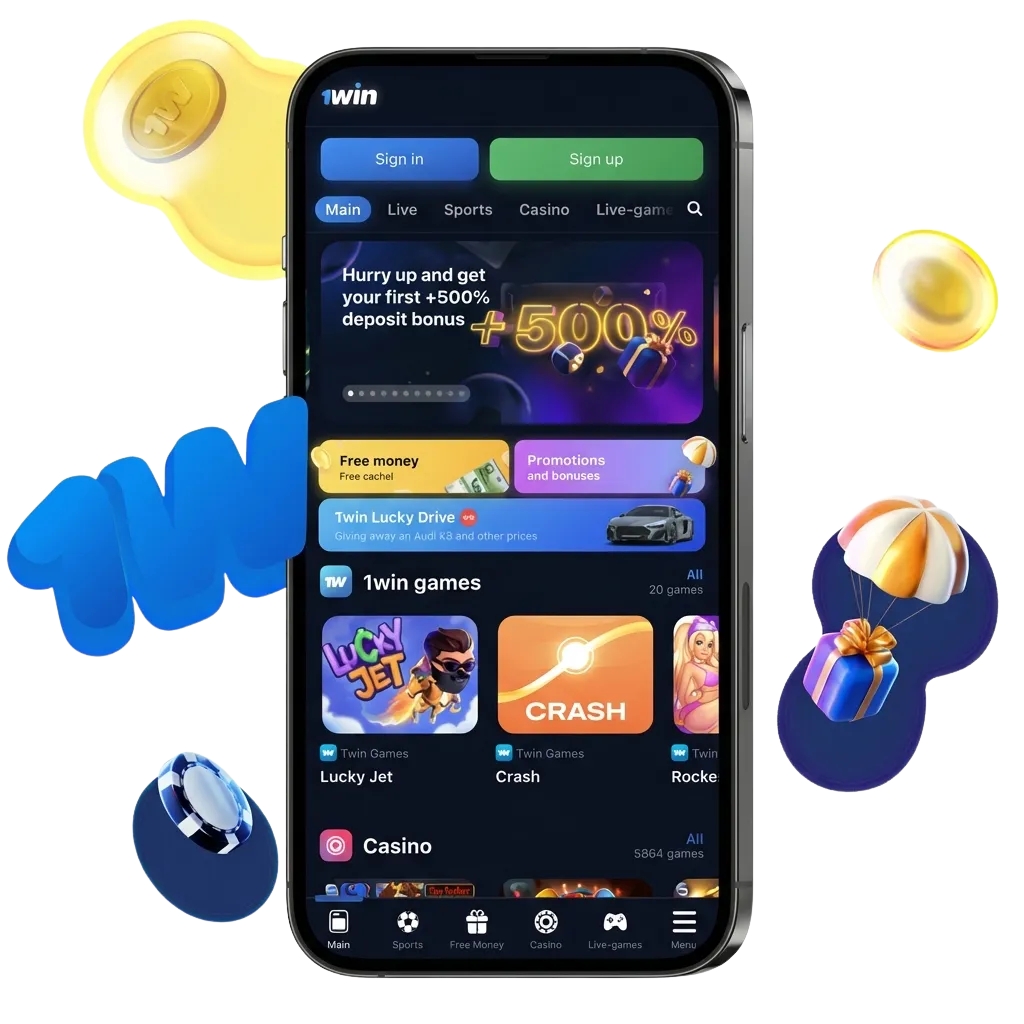
Main Information 1win India App
The official mobile application is available for both Android and iOS users in India. The platform is licensed and regulated, ensuring safe and legal access to sports betting and casino games. Below is a summary of key technical and operational details.
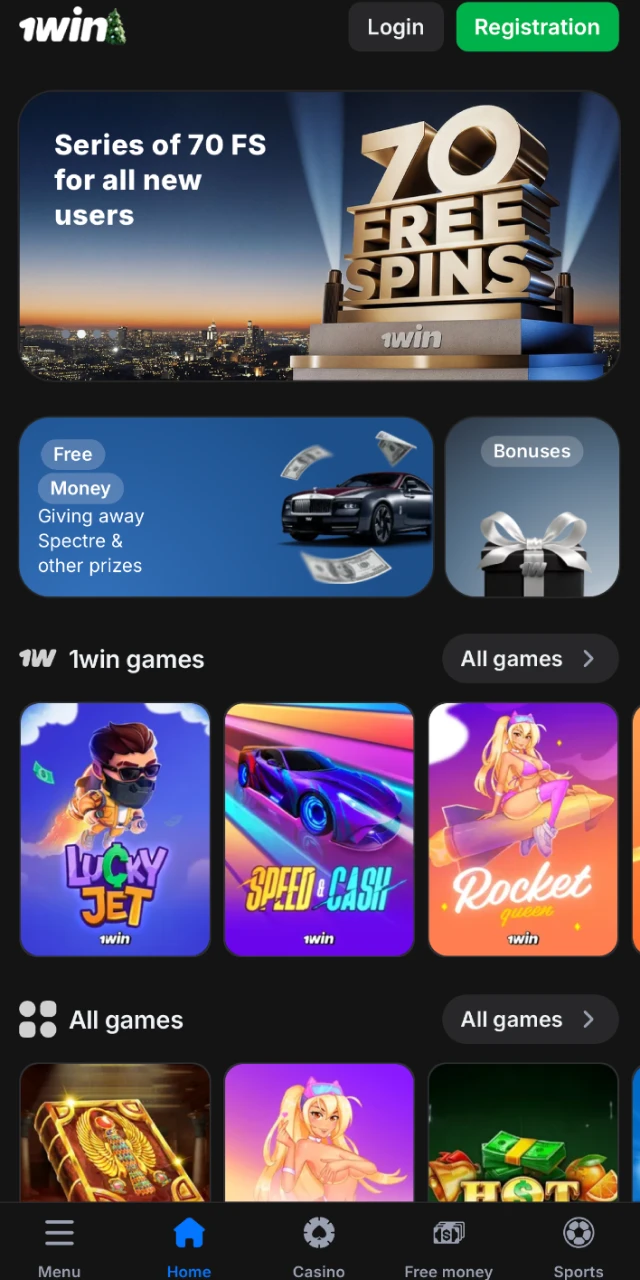
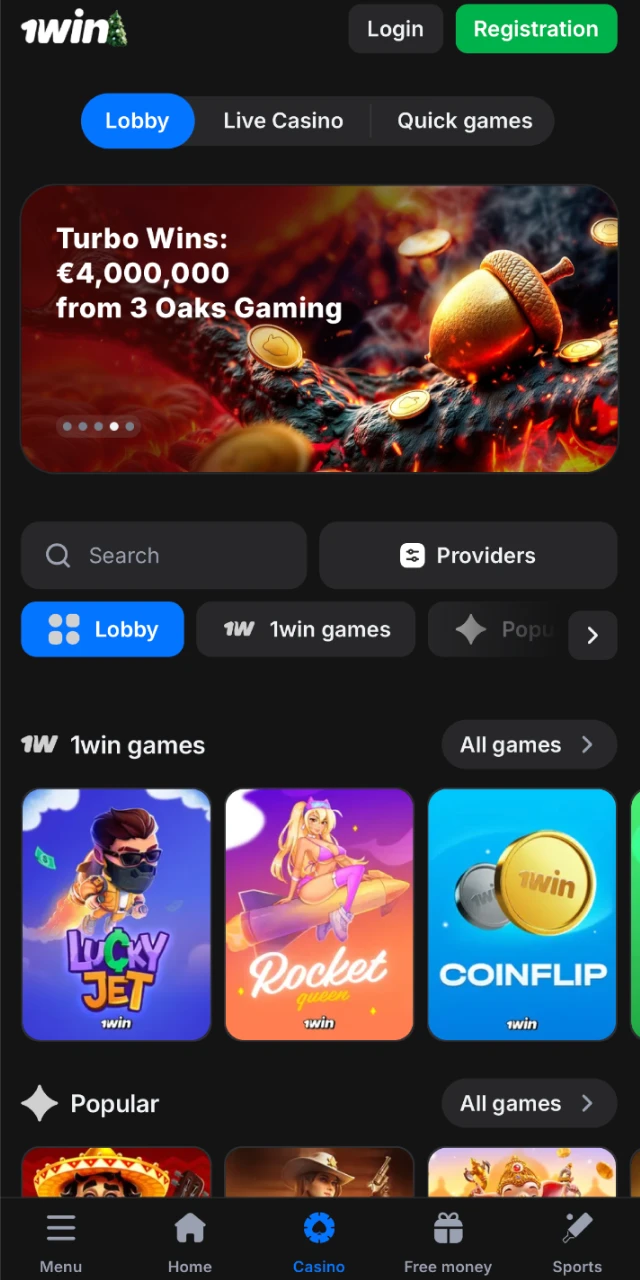
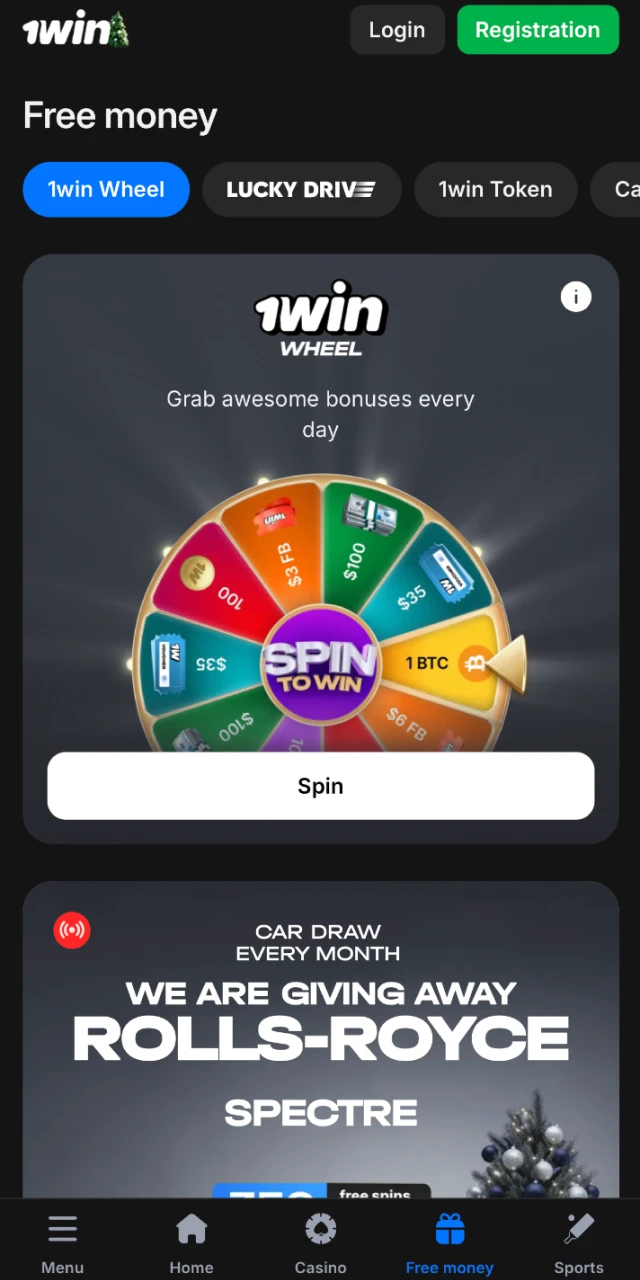
| Year of Development | 2016 |
| Developer | 1win N.V. |
| Package Name | 1win India |
| License | Curaçao eGaming License 8048/JAZ |
| APK Size | 89 MB |
| Supported Operating Systems | Android 5.0+, iOS 11.0+ |
| Cost | Free |
| Category | Sports Betting & Casino |
| Countries Available | India, Bangladesh, Pakistan, Nepal, and 50+ others |
| Languages Supported | English, Hindi, Bengali, Tamil, Telugu, and 15+ more |
| Currencies Supported | INR, USD, EUR, BDT, NPR, and 20+ others |
| Available in India | Yes |
Download 1win APK on Android in 4 Simple Steps
Downloading the APK on Android is quick, safe, and free. The process takes less than five minutes. Follow these four steps to install the application on your device and start playing.
Step 1
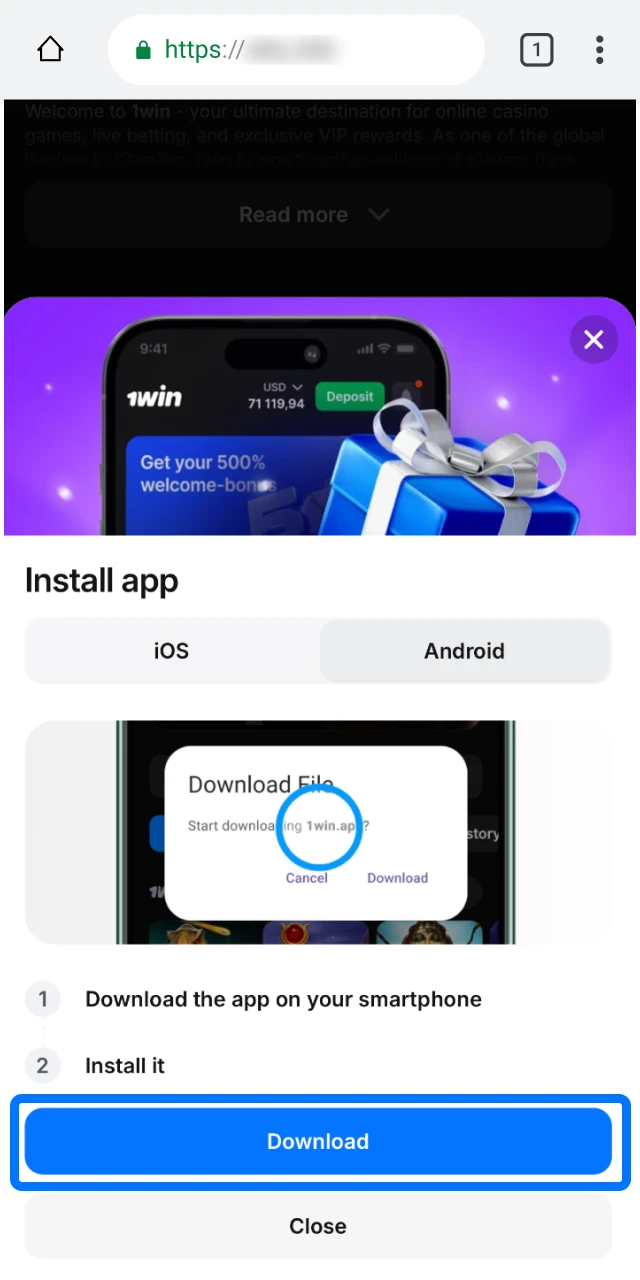
Download 1win APK
Click the button below to begin downloading the APK file to your Android device. The file will be saved in your downloads folder.
Step 2
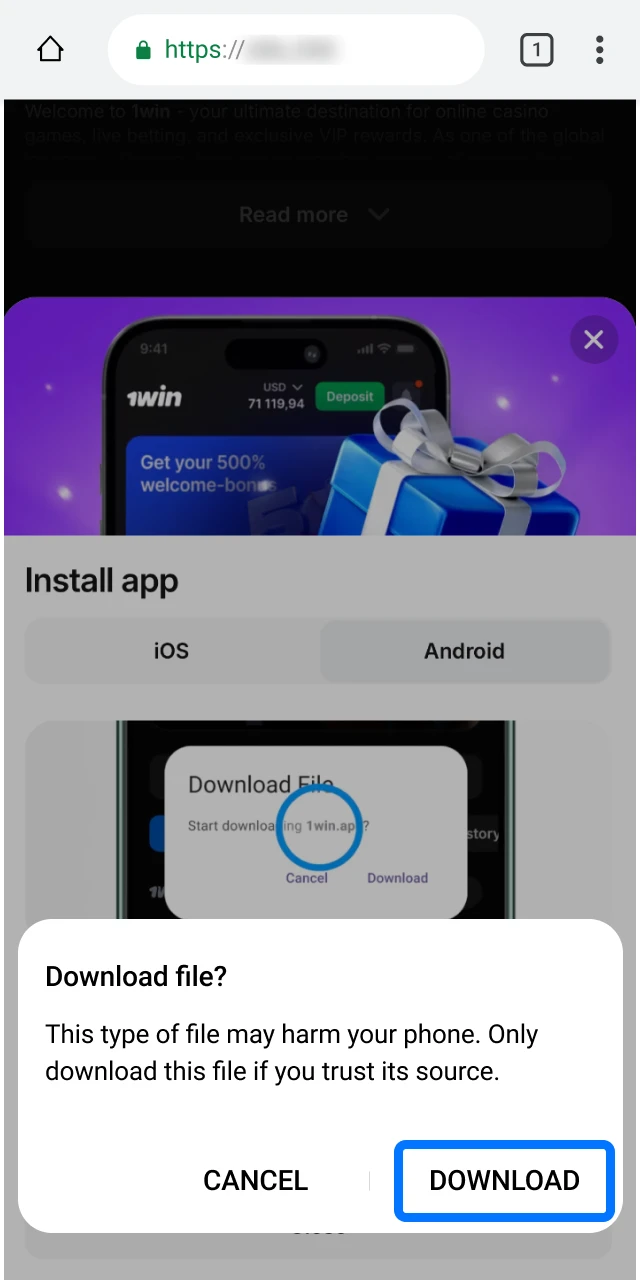
Agree to Download in the Pop-Up
A confirmation prompt will appear on your screen. Tap “OK” or “Download” to accept and proceed. The file will start downloading immediately.
Step 3
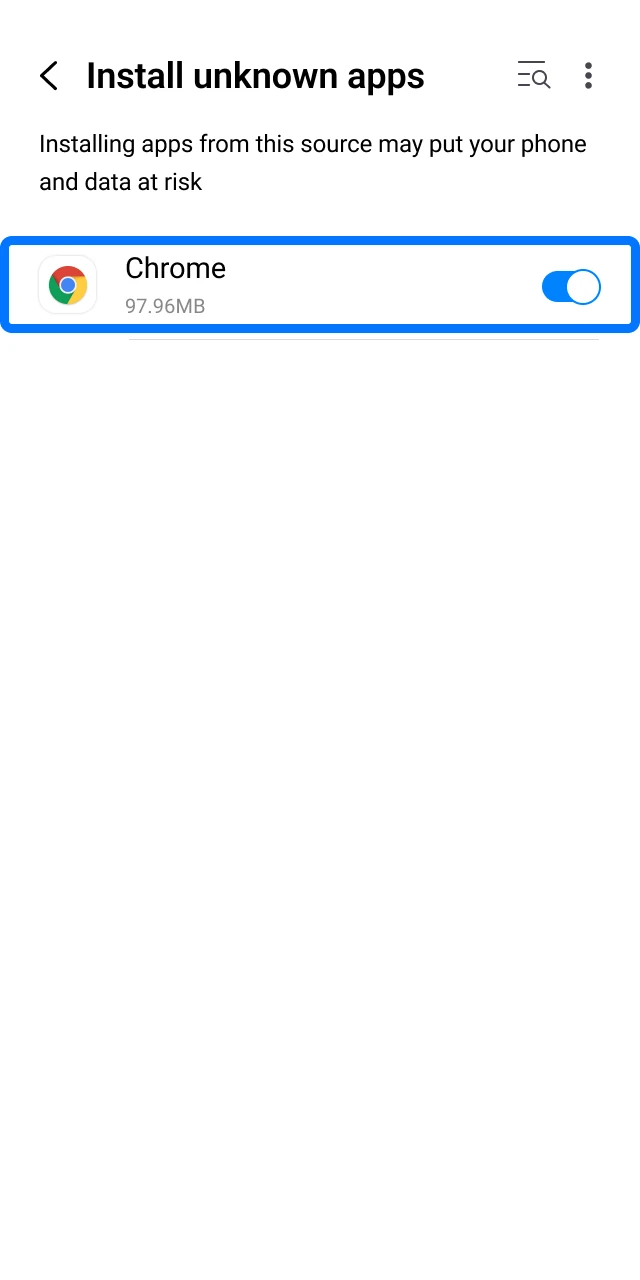
Allow Installation from Unknown Sources
Open your device settings and navigate to Security or Privacy. Enable the option to install apps from unknown sources for the browser you used to download the file.
Step 4
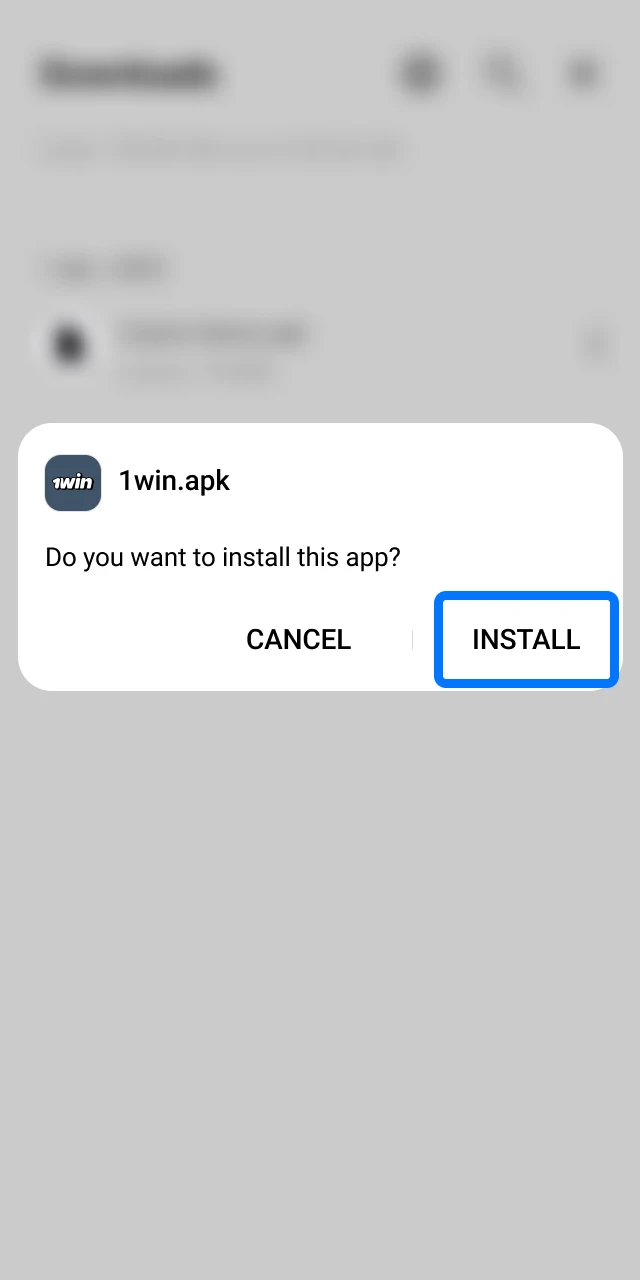
Confirm the Installation
Locate the downloaded APK file in your downloads folder. Tap the file to open it, then tap “Install” to complete the process. The app icon will appear on your home screen.
1win Android App
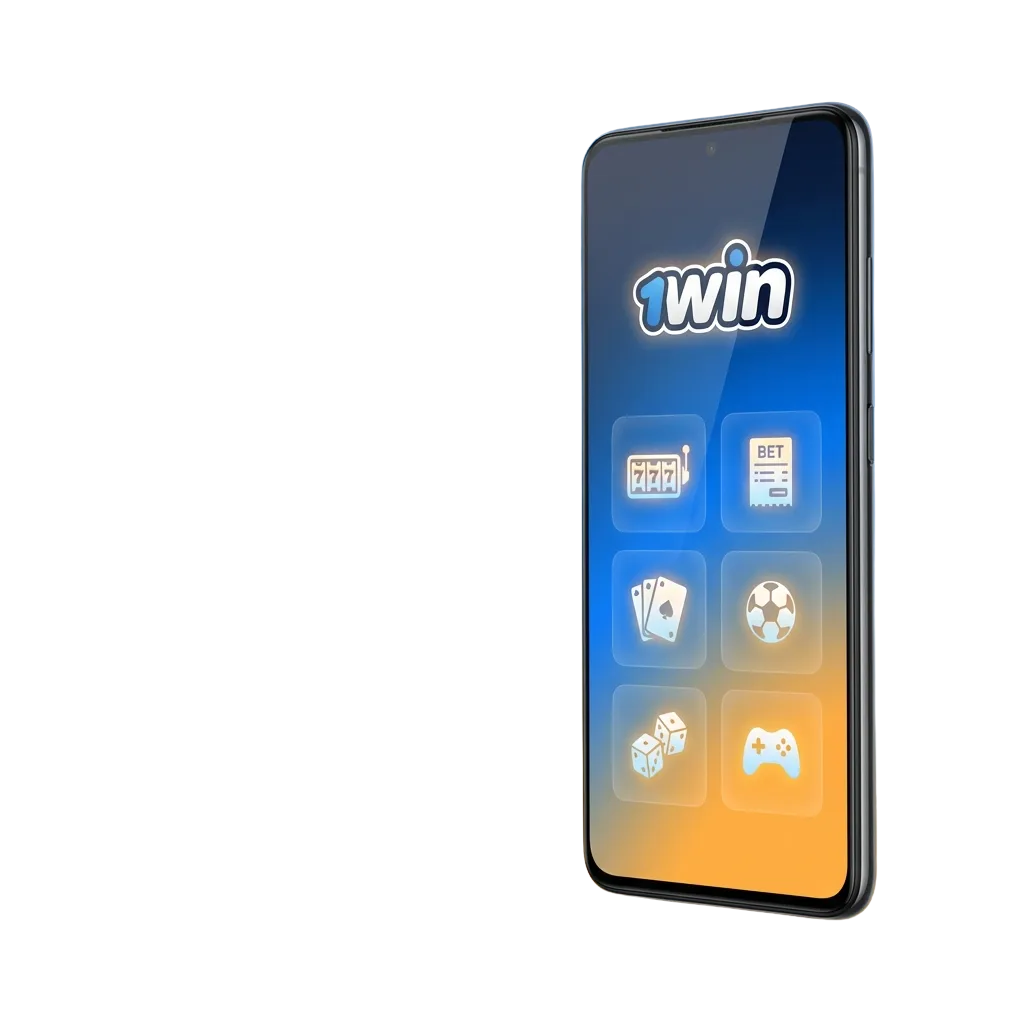
The Android application can be downloaded for free and allows you to enjoy mobile betting and casino games wherever you are. Installation steps are provided above. Open the app, register or log in, and start placing bets or spinning slots within minutes.
Minimum System Requirements for Android
Ensure your Android device meets the minimum requirements before downloading the application.
| Requirement | Details |
|---|---|
| Minimum Android Version | 5.0 (Lollipop) |
| RAM | 1 GB |
| Free Storage Space | 150 MB |
| Processor Speed | 1.2 GHz or higher |
Most devices released after 2015 will run the application smoothly.
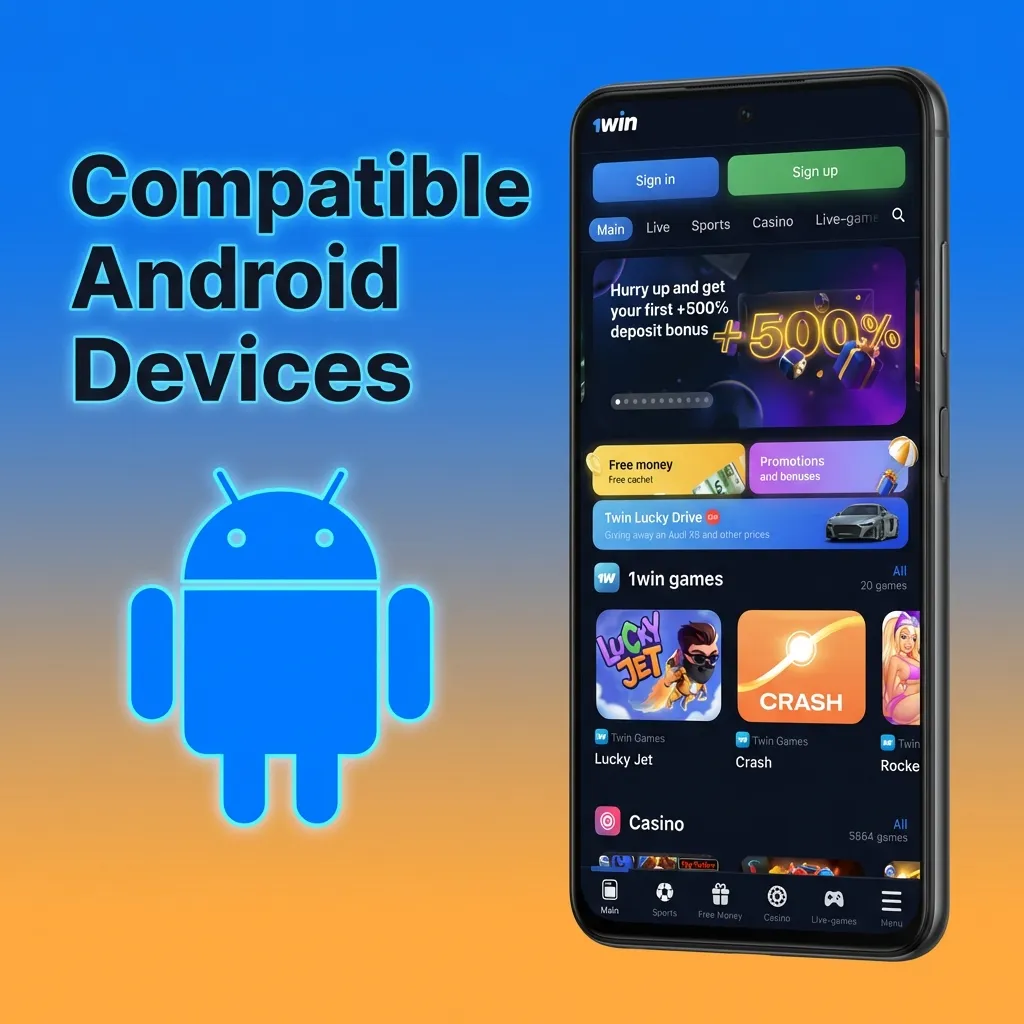
Compatible Android Devices
The application runs smoothly on a range of popular Android devices in India. Below are examples of compatible models:
- Samsung Galaxy A12, A32, A52, M32
- Xiaomi Redmi Note 10, Note 11, Note 12
- Realme 8, 9, Narzo 50
- Vivo Y20, Y21, Y33
- Oppo A16, A76, A96
- OnePlus Nord CE, Nord 2
- Motorola Moto G52, G72
- Nokia G21, G42
If your device meets the minimum system requirements, it will support the mobile application.
Download 1win iOS App in 5 Steps
Downloading the mobile application on iOS devices is straightforward and consists of five steps. Follow the instructions below to install the platform on your iPhone or iPad.
Step 1
Click the Download Button
Visit this page and click the button below to open the download link. The link will redirect you to the installation page.
Step 2
Tap Install on the Installation Page
Once the page loads, tap the “Install” button. A confirmation prompt will appear asking you to proceed.
Step 3
Confirm the Installation
Tap “Install” again to confirm. The application will begin downloading to your device. This may take a few moments depending on your internet speed.
Step 4
Trust the Developer Profile
After installation, go to Settings > General > Device Management. Locate the developer profile and tap “Trust” to allow the application to run.
Step 5
Open the App and Start Playing
Return to your home screen and tap the app icon. Log in or register a new account, then deposit funds and start betting or playing casino games.
1win iOS App
The iOS application is available for iPhone and iPad, has low system requirements, and is free to download. It replicates the full functionality of the website, allowing you to place bets, play casino games, deposit, and withdraw funds. The minimum iOS version required is 11.0, and you need at least 150 MB of free memory. The app works smoothly on all recent iPhone and iPad models.
Minimum System Requirements for iOS
Ensure your iOS device meets the minimum system requirements before downloading the application.
| Requirement | Details |
|---|---|
| Minimum iOS Version | 11.0 |
| RAM | 1 GB |
| Free Storage Space | 150 MB |
| Processor | A9 chip or higher |
Most devices released after 2016 will support the mobile platform.
Compatible iOS Devices
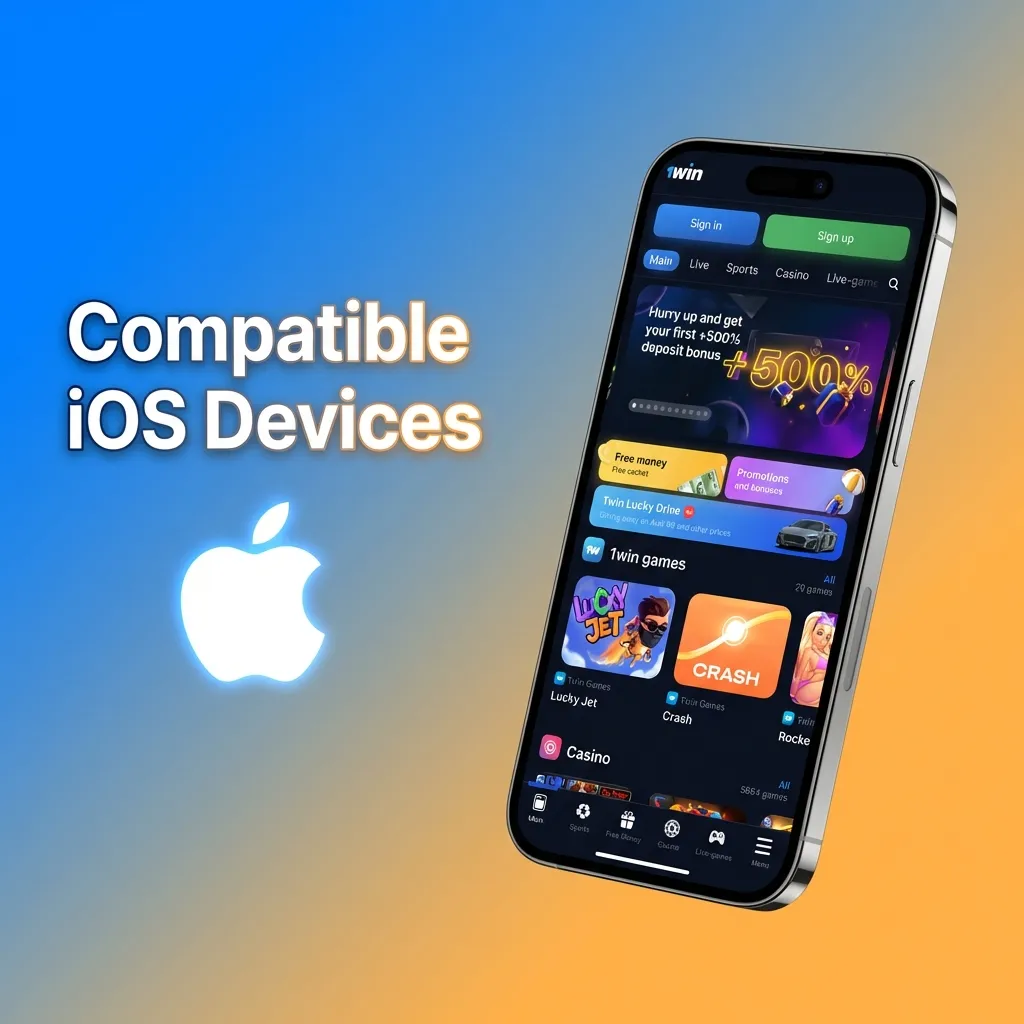
The application functions smoothly on recent generations of iOS devices. Below are compatible models:
- iPhone X, XR, XS, XS Max
- iPhone 11, 11 Pro, 11 Pro Max
- iPhone 12, 12 Mini, 12 Pro, 12 Pro Max
- iPhone 13, 13 Mini, 13 Pro, 13 Pro Max
- iPhone 14, 14 Plus, 14 Pro, 14 Pro Max
- iPhone 15, 15 Plus, 15 Pro, 15 Pro Max
- iPad (6th generation and later)
- iPad Pro (all models)
If your device runs iOS 11.0 or higher, you can install and use the mobile platform.
Old vs. New 1win APK Versions
The following table compares the old and new versions of the APK so you can see the improvements.
| Feature | New Version | Old Version |
|---|---|---|
| APK Size | 89 MB | 105 MB |
| Loading Speed | 30% faster | Standard |
| Live Streaming | Integrated | External links |
| Payment Methods | 15+ options | 8 options |
| Language Support | 20+ languages | 12 languages |
| Push Notifications | Customizable | Basic |
| UI Design | Redesigned, smoother | Standard |
| Crash Rate | Reduced by 40% | Higher |
The new version is optimized for speed, stability, and user experience. Update to the latest version to access all improvements.
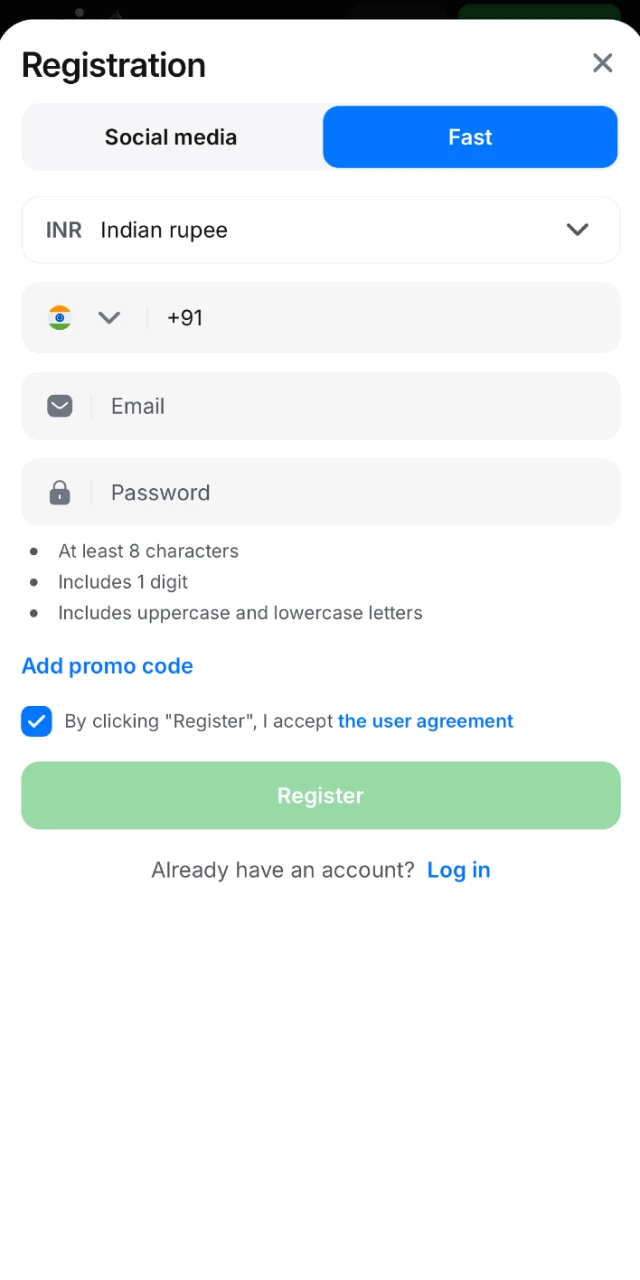
Registration via 1win Application
Signing up 1win through the mobile application is simple and available to users over 18. Follow these steps to create your account:
- Open the application on your device.
- Tap “Registration” at the top right corner of the screen.
- Select a registration method: One-Click, By Phone, By Email, or Via Social Networks.
- Enter your personal details, including your country (India) and preferred currency (INR).
- Accept the terms and conditions, then tap “Register.”
Once registration is complete, you can immediately deposit funds and start playing. Your account will be active within seconds.
Steps to Update the 1win App
Keeping the mobile platform up to date ensures you have the latest features, security enhancements, and bug fixes.
For iOS Users:
- Visit the official website and download the latest version.
- Tap “Install” and confirm the installation.
- Open Settings > General > Device Management and trust the developer.
- Open the updated application and log in.
For Android Users:
- Visit the official website and download the latest APK file.
- Open the downloaded file from your notifications or downloads folder.
- Tap “Install” to replace the old version.
- Open the updated application and log in.
Updates are released regularly to improve performance and add new features.
Welcome Bonus for Newcomers in the 1win App
New users of the mobile application can claim a welcome bonus 1win. Players can choose between a Sports bonus and a Casino bonus during registration.
Sports Bonus: 500% up to ₹1,80,000 on your first deposit. Available for sports betting only.
Casino Bonus: 500% up to ₹1,80,000 plus 70 free spins on Book of Ra. Available for casino games only.
To claim the bonus, select your preferred option during registration, make a minimum deposit of ₹300, and the bonus will be credited to your account automatically. Wagering requirements apply.
Easy Steps to Start Betting in the 1win App
Placing a bet through the mobile platform is quick and straightforward. Follow these steps:
- Open the application and log in to your account.
- Tap “Sports” from the main menu to view available events.
- Select a sport, league, and match you want to bet on.
- Tap the odds to add your selection to the bet slip.
- Enter your stake amount and tap “Place Bet” to confirm.
After placing your bet, wait for the event to end. If your prediction is correct, winnings will be credited to your account. You can withdraw funds or continue playing.
1win Mobile Website Version
The platform offers a mobile-optimized website accessible on all smartphones and tablets. The mobile site provides the same range of services and features as the application, allowing you to place bets and play casino games without downloading any software. Open your browser, visit the website, and log in to access your account instantly.
Mobile App vs Website
The mobile website nearly replicates the functionality of the mobile application, though many players prefer the dedicated software. Below is a comparison of key differences:
| Feature | Application | Site |
|---|---|---|
| Download Required | Yes | No |
| Installation Time | 3–5 minutes | Instant access |
| Push Notifications | Yes | No |
| Offline Access | Partial (cached data) | No |
| Speed | Faster | Depends on browser |
| Updates | Manual or automatic | Automatic |
| Storage Space | 150 MB | None |
| Interface | Optimized for mobile | Browser-based |
The mobile application offers several advantages over the mobile website. It runs faster, provides push notifications for bonuses and promotions, and offers a more stable connection during gameplay. The interface is optimized for mobile screens, making navigation smoother and more intuitive. The app also stores your login details securely, allowing quick access without entering credentials each time. For regular players, the mobile software provides a better overall experience.
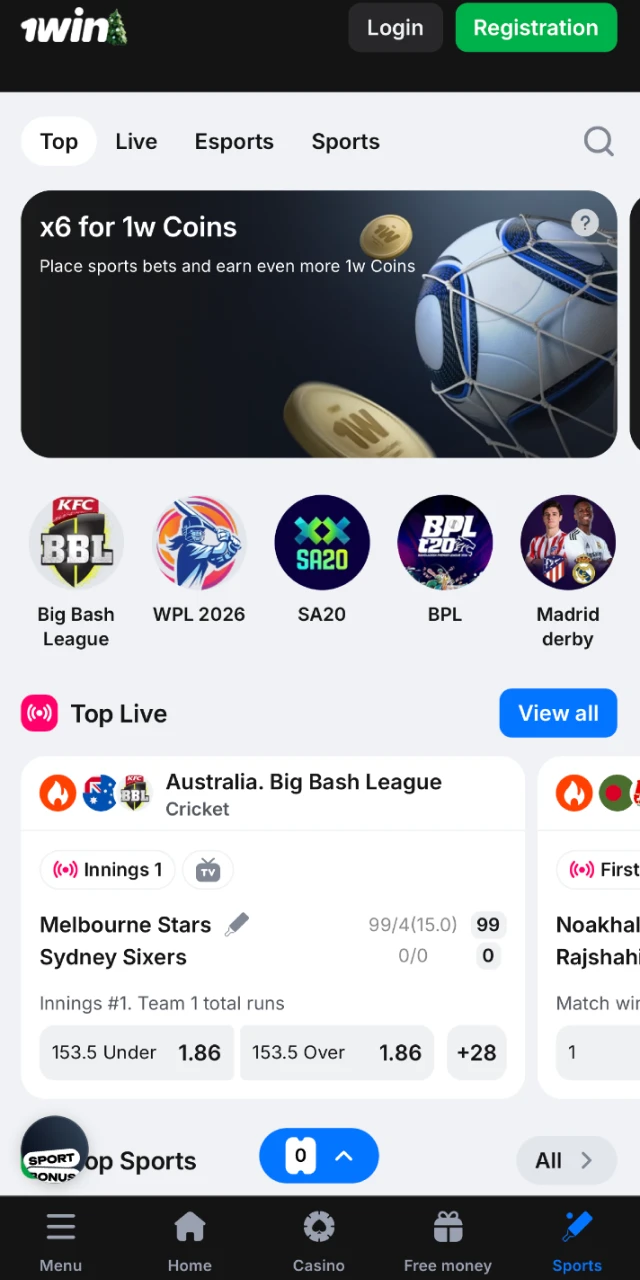
Various Sports in the 1win Betting App
The betting application covers a wide range of sports disciplines. You can place bets in both LIVE and LINE modes, and different bet types such as Single, System, and Accumulator are offered. Every official sport and eSport event is covered. Each discipline has its own page displaying team statistics, head-to-head records, and recent form. You can also watch live matches directly through the platform.
Below are examples of sports available for betting:
- Cricket (IPL, T20, ODI, Test matches)
- Football (Premier League, La Liga, Champions League)
- Tennis (Grand Slams, ATP, WTA)
- Basketball (NBA, EuroLeague)
- Kabaddi (Pro Kabaddi League)
- Table Tennis
- Badminton
- eSports (Dota 2, CS:GO, League of Legends)
- Volleyball
- Ice Hockey
All major leagues and tournaments are covered. Odds are updated in real time.

1win Casino App
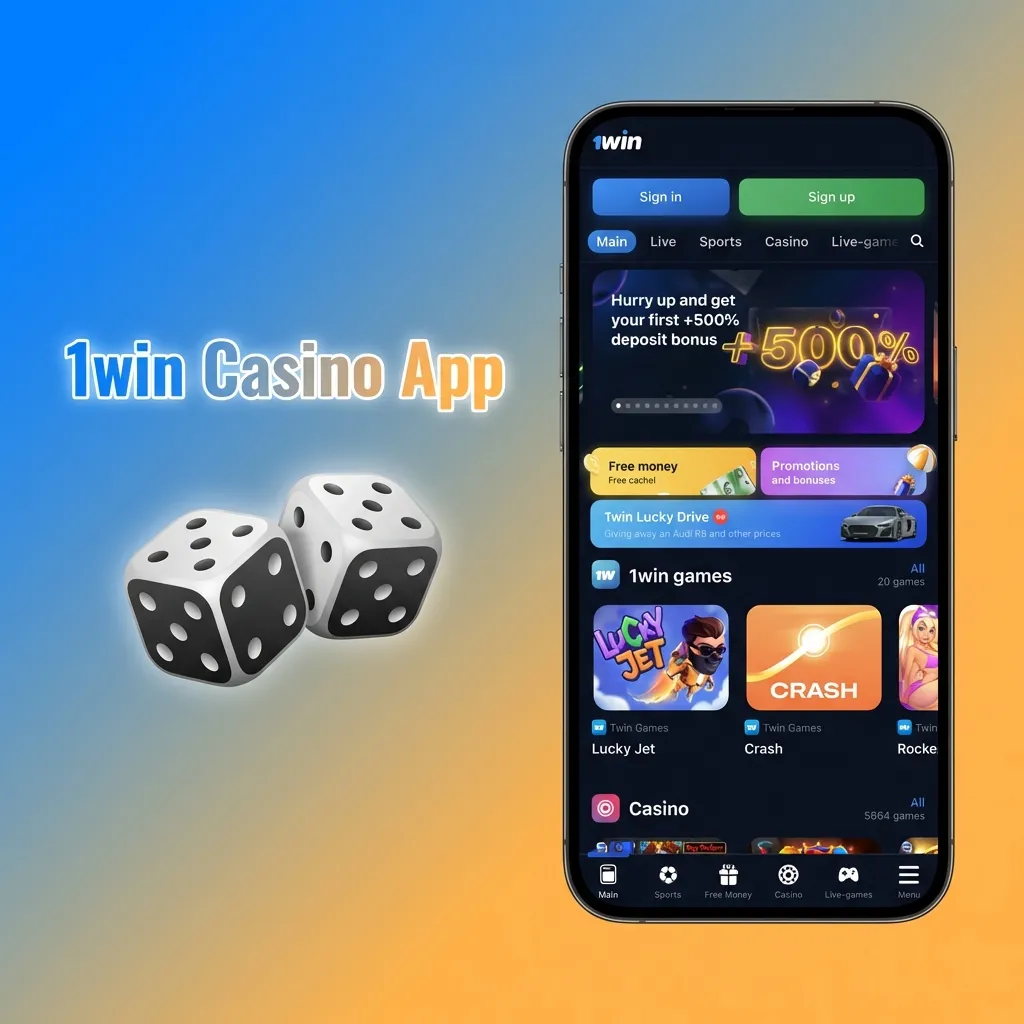
The 1win casino section within the mobile application offers a wide variety of games. Popular live events are accessible directly from the home screen, and you can easily switch from sports betting to casino games. The platform features table games and slots from well-known developers such as Pragmatic Play, NetEnt, Evolution Gaming, and Microgaming. The app also offers a live casino with real dealers, where you can play blackjack, roulette, baccarat, and poker. Take advantage of promotions and bonuses available in the casino section to maximize your winnings.
Benefits for 1win Mobile App Users
The mobile application offers several advantages for users. Below are the key benefits:
Instant Access to Betting and Casino Games
You can open the application and start playing within seconds. No need to open a browser or search for the website each time.
Push Notifications for Bonuses and Promotions
Receive instant alerts about new bonuses, free spins, and exclusive offers. Never miss a promotion again.
Faster Loading Times and Smoother Performance
The software is optimized for mobile devices, ensuring faster loading speeds and smoother gameplay compared to browser-based access.
Secure Login and Data Protection
Your login details are stored securely within the application. Biometric authentication (fingerprint or face recognition) is supported for quick and safe access.
Offline Access to Account History
View your betting history and transaction records even when offline. The app caches recent data for your convenience.
Payments in the 1win App for Users from India
Users in India can make payments through the mobile application using a variety of methods. All popular Indian payment systems are supported, ensuring quick and secure transactions.
Available payment methods in India:
- UPI (Google Pay, PhonePe, Paytm)
- Net Banking (HDFC, ICICI, SBI, Axis)
- Visa and Mastercard
- Cryptocurrencies (Bitcoin, Ethereum, Litecoin, Tether)
- e-Wallets (Skrill, Neteller)
Deposits are credited instantly once confirmed. Most withdrawal methods process within minutes, though bank transfers may take 1–3 business days. The minimum deposit amount is ₹300, and the minimum withdrawal amount is ₹500. Choose a method that suits your needs and start playing immediately.
Is it Safe to Download 1win App APK?
The application operates under an official Curaçao eGaming License (8048/JAZ) and adheres to international gambling regulations. The platform uses SSL certificates and 256-bit encryption to protect user data during transactions and account access. Personal and financial information is stored securely and never shared with third parties. Regular security audits are conducted to ensure compliance and safety. You can download and use the mobile platform confidently in a secure and regulated betting environment.
FAQ
Can I use the same account on both Android and iOS apps?
Yes. Your account credentials work across all platforms. Log in on any device using your username and password.
Do I need to pay to download the 1win app?
No. The application is free to download and install on both Android and iOS devices. No hidden charges apply.
How long does it take to process withdrawals through the app?
Most withdrawal methods process within minutes. Bank transfers may take 1–3 business days. Cryptocurrency withdrawals are the fastest.
Can I watch live matches through the mobile app?
Yes. The application offers live streaming for selected sports events. Open the match page and tap the live stream icon to watch.
What should I do if the app crashes or freezes?
Close the application and restart it. If the issue persists, clear the app cache in your device settings or reinstall the latest version.
Is there a limit on how much I can deposit or withdraw?
The minimum deposit is ₹300, and the minimum withdrawal is ₹500. Maximum limits depend on your payment method and account verification status.
Can I claim bonuses through the mobile app?
Yes. All bonuses available on the website are also available through the application. Activate promotions directly from the app interface.
Updated: