
Download 1win App for iOS Latest Version for India
Get the 1win iOS app and access thousands of betting markets and casino games from your iPhone or iPad. The app supports Indian payment methods, including UPI, Paytm, and PhonePe, so you can deposit and withdraw in INR. New players receive a 500% welcome bonus up to ₹180,000 on their first deposit. Download the app now and start betting in minutes.
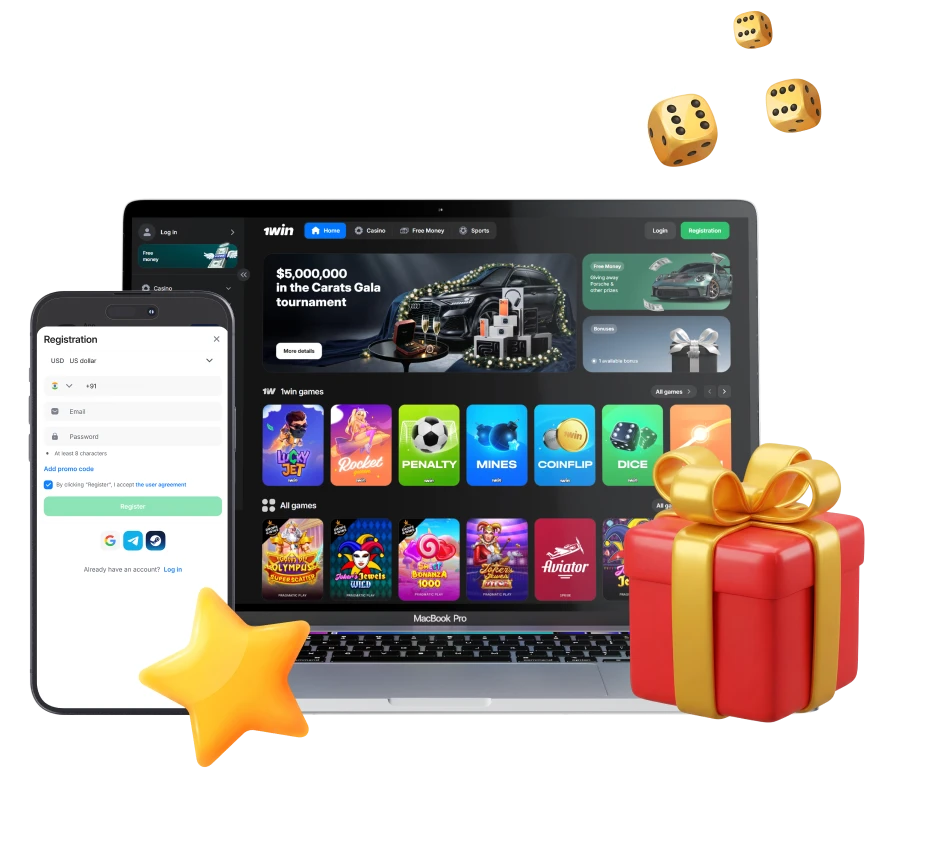
1win App Overview
The 1win iOS app delivers complete access to sports betting and casino games. You can place bets on cricket, football, kabaddi, and other popular sports, or play slots, live dealer games, and crash games. Below is a summary of key features.
| App Size | 15 MB |
| Storage Required | 50 MB |
| Last Update | April 2025 |
| Welcome Bonus | 500% up to ₹180,000 (Casino & Sports) |
| Supported Languages | English, Hindi, Bengali, Tamil, Telugu |
| Payment Methods | UPI, Paytm, PhonePe, IMPS, NetBanking, Visa, Mastercard |
| Promo Code | Available during registration |
1win App Interface
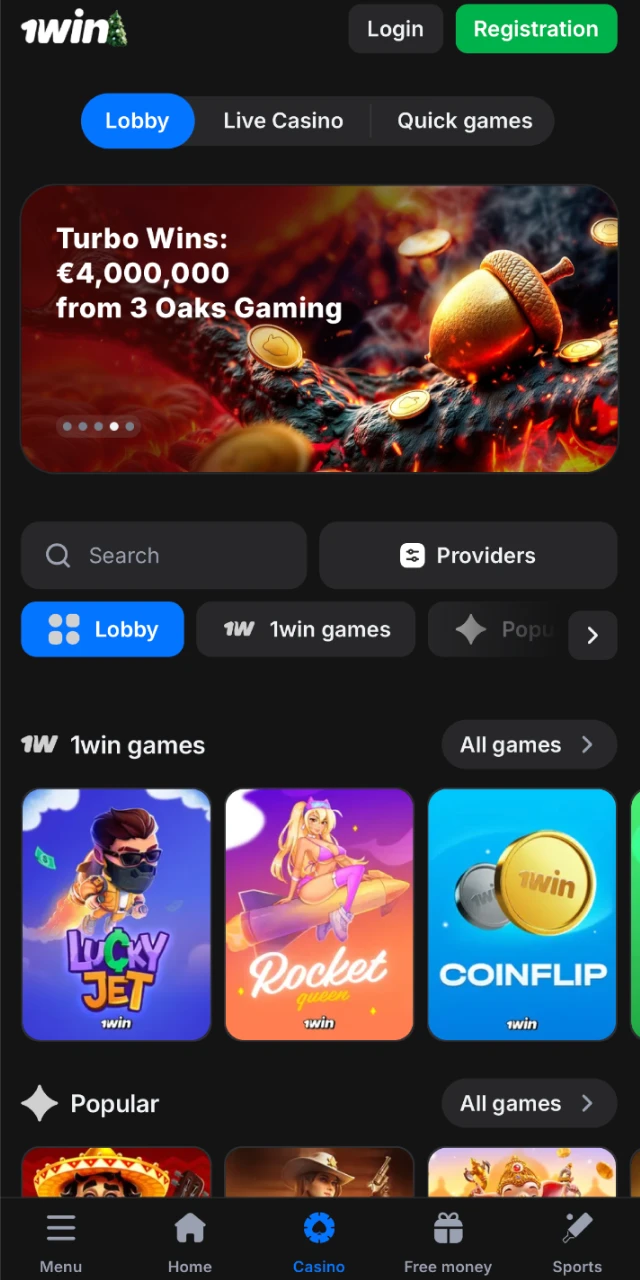
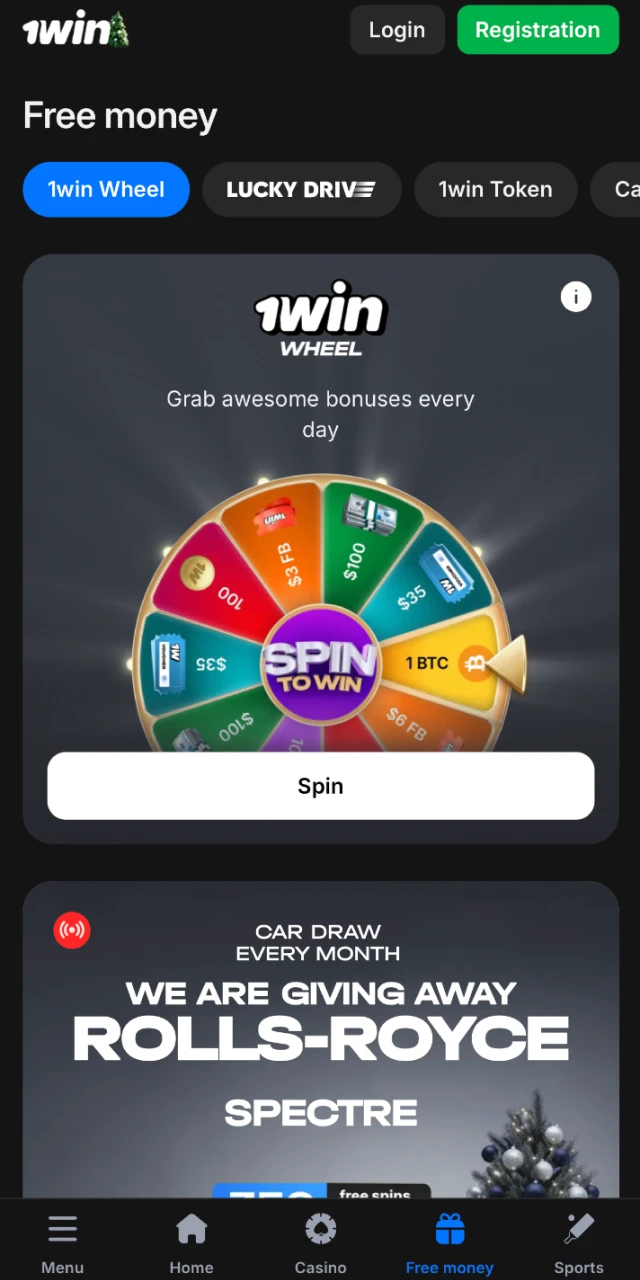
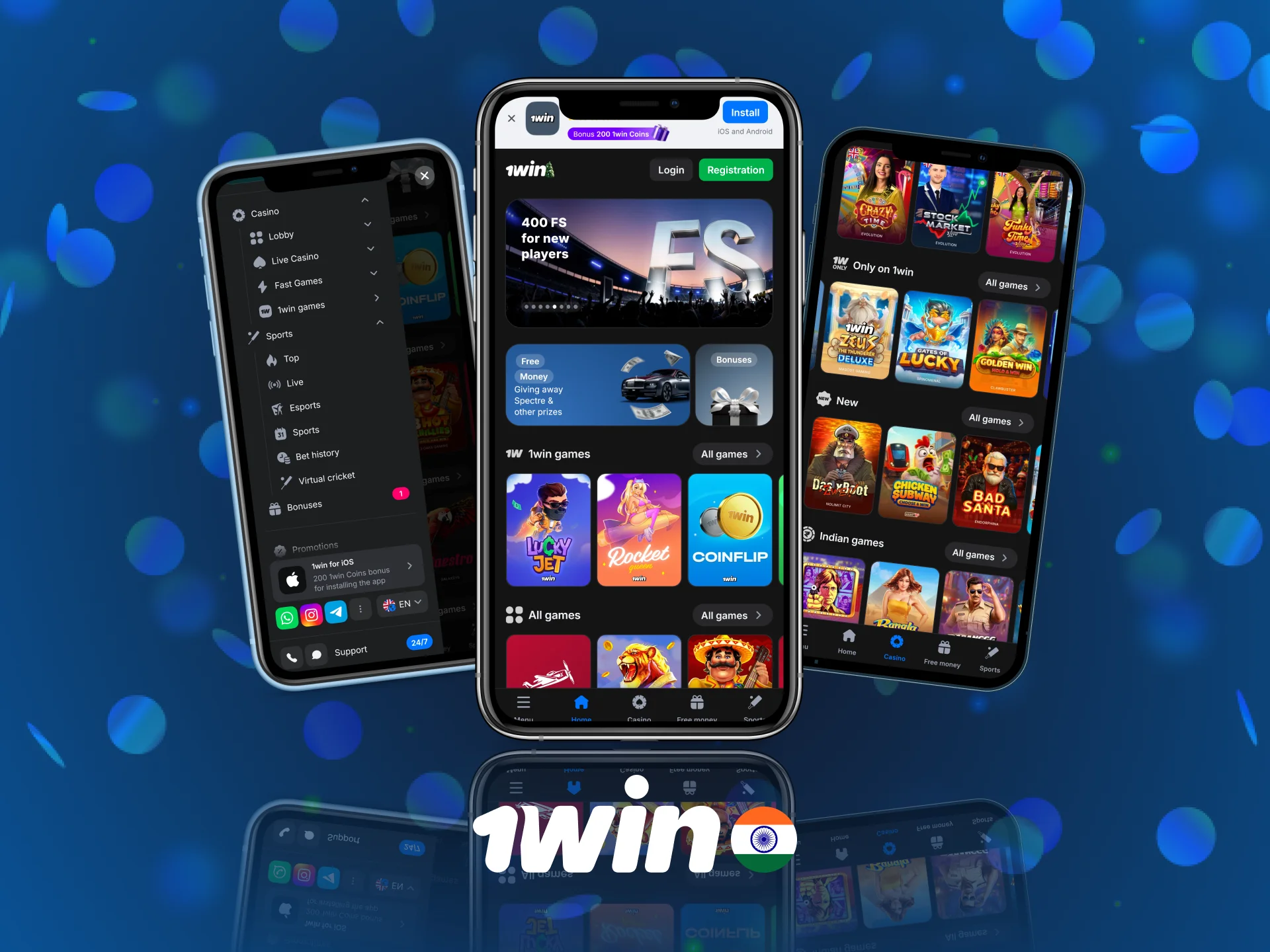
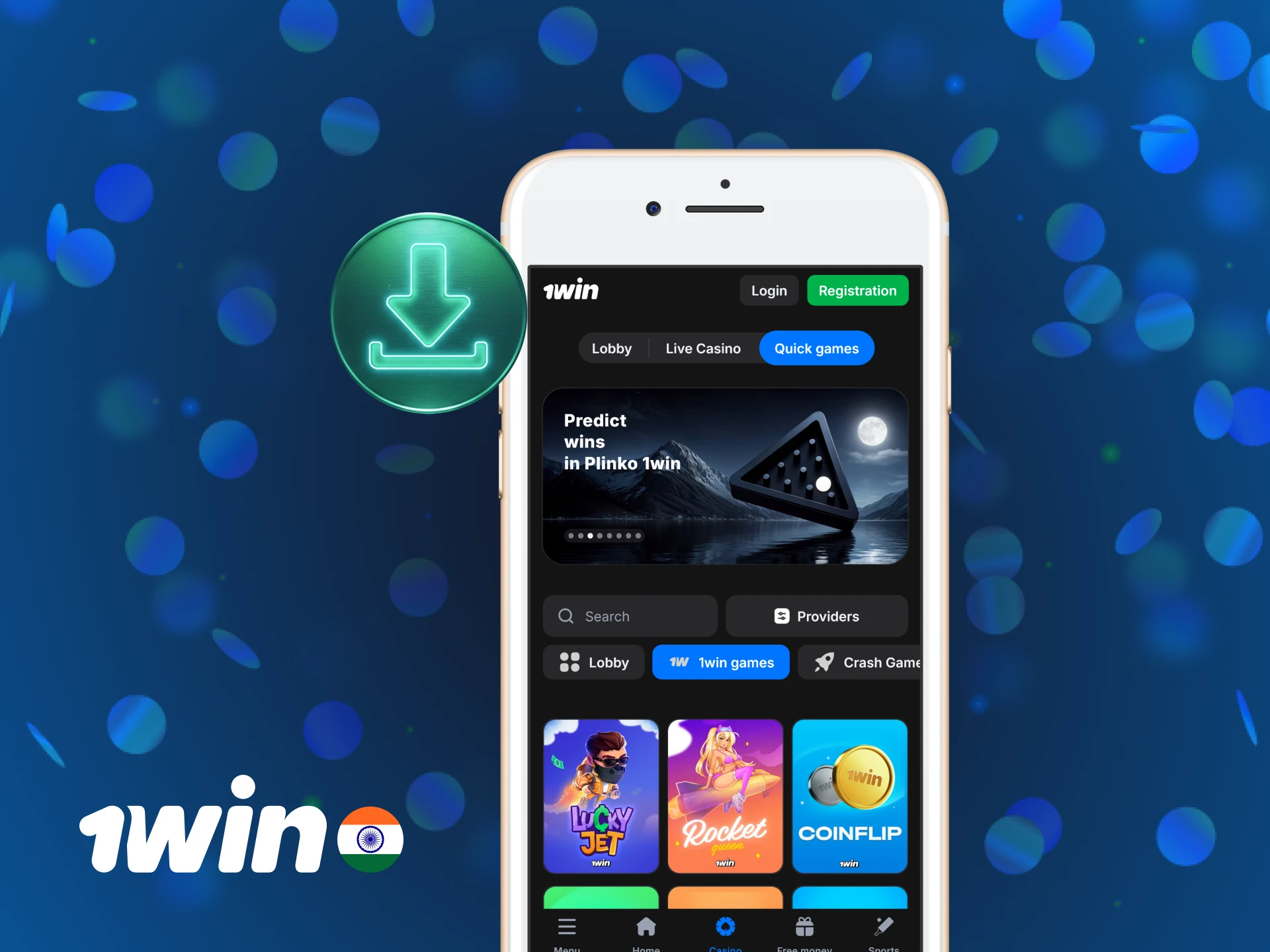
The 1win app interface prioritises speed and clarity. The home screen shows live matches, upcoming events, and featured casino games in separate tabs. Navigation is straightforward, so you can switch between sports betting, live casino, and account management in one tap. The layout works well on both iPhone and iPad screens.
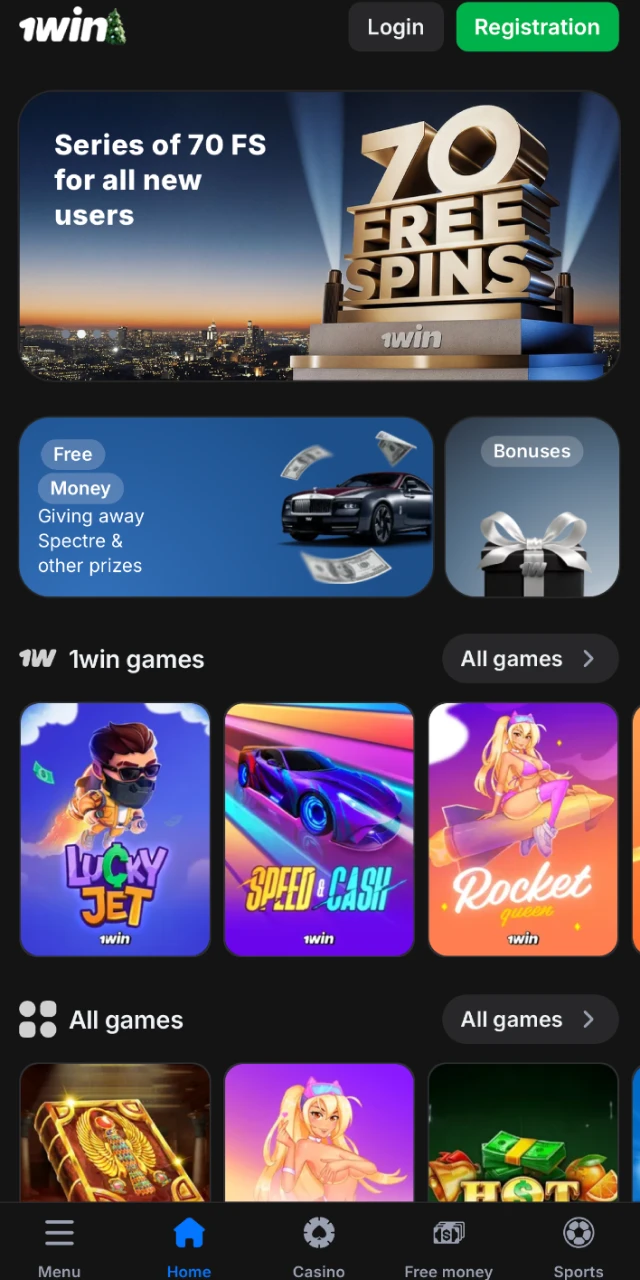
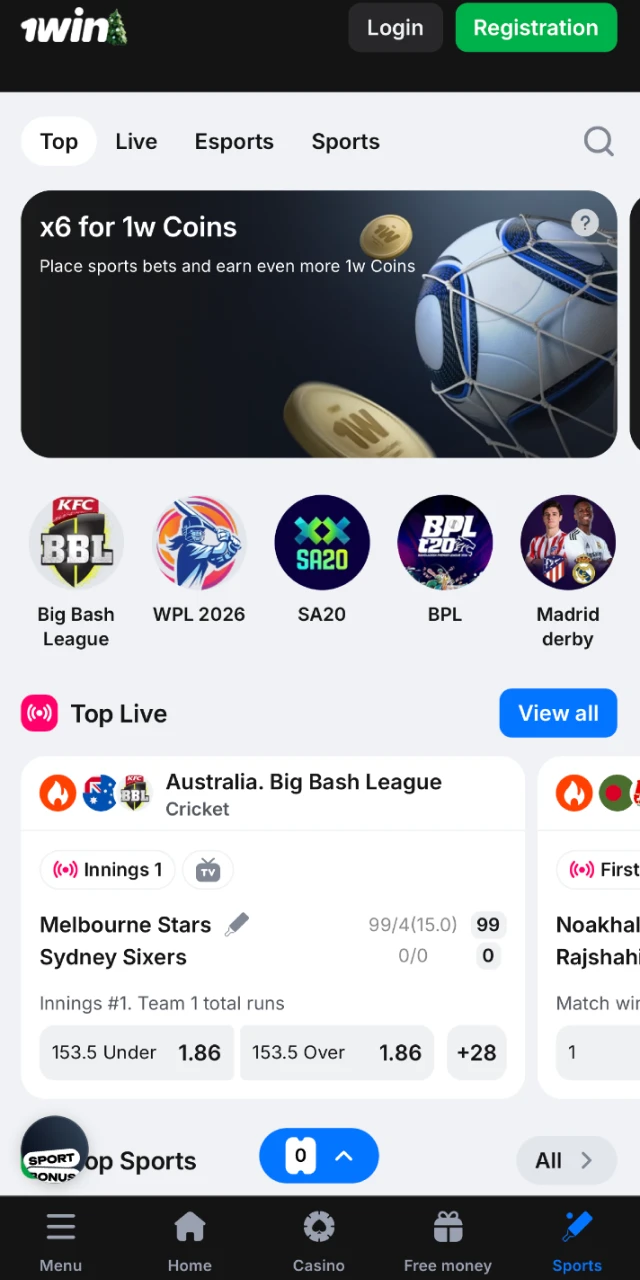
Download 1win App for iOS
Installing the 1win app on your iOS device takes a few minutes. Follow these steps to get started.
Step 1
Open Safari and Visit the Official 1win Website
Launch Safari on your iPhone or iPad. Navigate to the official 1win website. Tap the “Download for iOS” button on the homepage.
Step 2
Allow the Download to Start
Your device may display a security warning. Tap “Allow” to proceed. The app file will begin downloading.
Step 3
Go to Settings and Trust the App
Once the download completes, open “Settings” > “General” > “Device Management”. Find the 1win profile and tap “Trust”. This step is required for the app to open.
Step 4
Launch the App and Log In
Return to your home screen. Tap the 1win app icon. Log in or register a new account to start betting.
System Requirements for Using iOS App
Your device must meet these minimum requirements to run the 1win app:
| Requirement | Minimum Specification |
|---|---|
| iOS Version | iOS 12.0 or later |
| Processor | A9 chip or newer |
| RAM | 2 GB |
| Free Storage | 50 MB |
Supported iOS Devices
The 1win app works on the following Apple devices:
- iPhone 14, 14 Pro, 14 Pro Max
- iPhone 13, 13 Pro, 13 Pro Max
- iPhone 12, 12 Pro, 12 Pro Max
- iPhone 11, 11 Pro, 11 Pro Max
- iPhone XS, XS Max, XR
- iPhone X, 8, 8 Plus
- iPhone SE (2nd and 3rd generation)
- iPad Pro (all models)
- iPad Air (3rd generation and later)
- iPad mini (5th generation and later)
1win App (PWA)
A Progressive Web App (PWA) version of 1win is available if you prefer not to download a separate file. This version updates automatically and does not require installation through device settings.
Step 1
Click the “Download for iOS” Button Below
Open Safari and go to the 1win website. Tap the download button to access the PWA.
Step 2
Register an Account
Complete the registration form. Enter your mobile number, email, and preferred currency.
Step 3
Tap the “Share” Button
Tap the Share icon at the bottom of Safari. This icon looks like a square with an upward arrow.
Step 4
Tap “Add to Home Screen”
Select “Add to Home Screen” from the menu. The 1win icon will appear on your home screen. You can now open the app directly.
Welcome Bonuses after Installing the 1win App
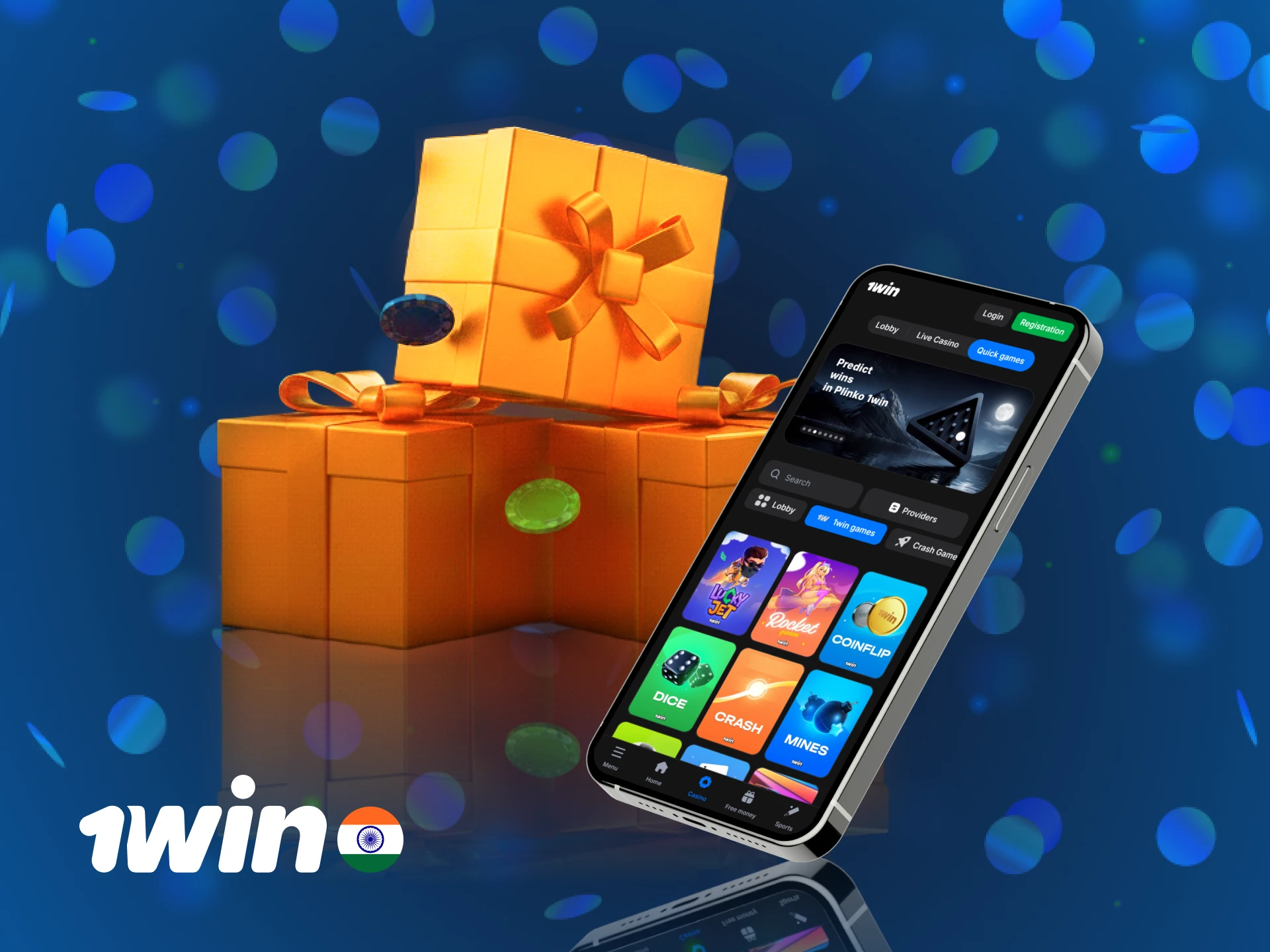
New players receive a 500% welcome bonus up to ₹180,000 on their first deposit. This bonus applies to both sports betting and casino games. You need to wager the bonus amount 5 times on accumulator bets (minimum 3 selections, odds 1.40 or higher) or 30 times on casino games before you can withdraw. The minimum deposit to activate the bonus is ₹300.
How to Claim the Bonus:
- Download the 1win app and register an account.
- Go to the “Cashier” section and make your first deposit (₹300 minimum).
- The bonus is credited automatically to your account.
- Start placing bets or playing casino games to meet the wagering requirement.
Sports Betting Available in 1win App
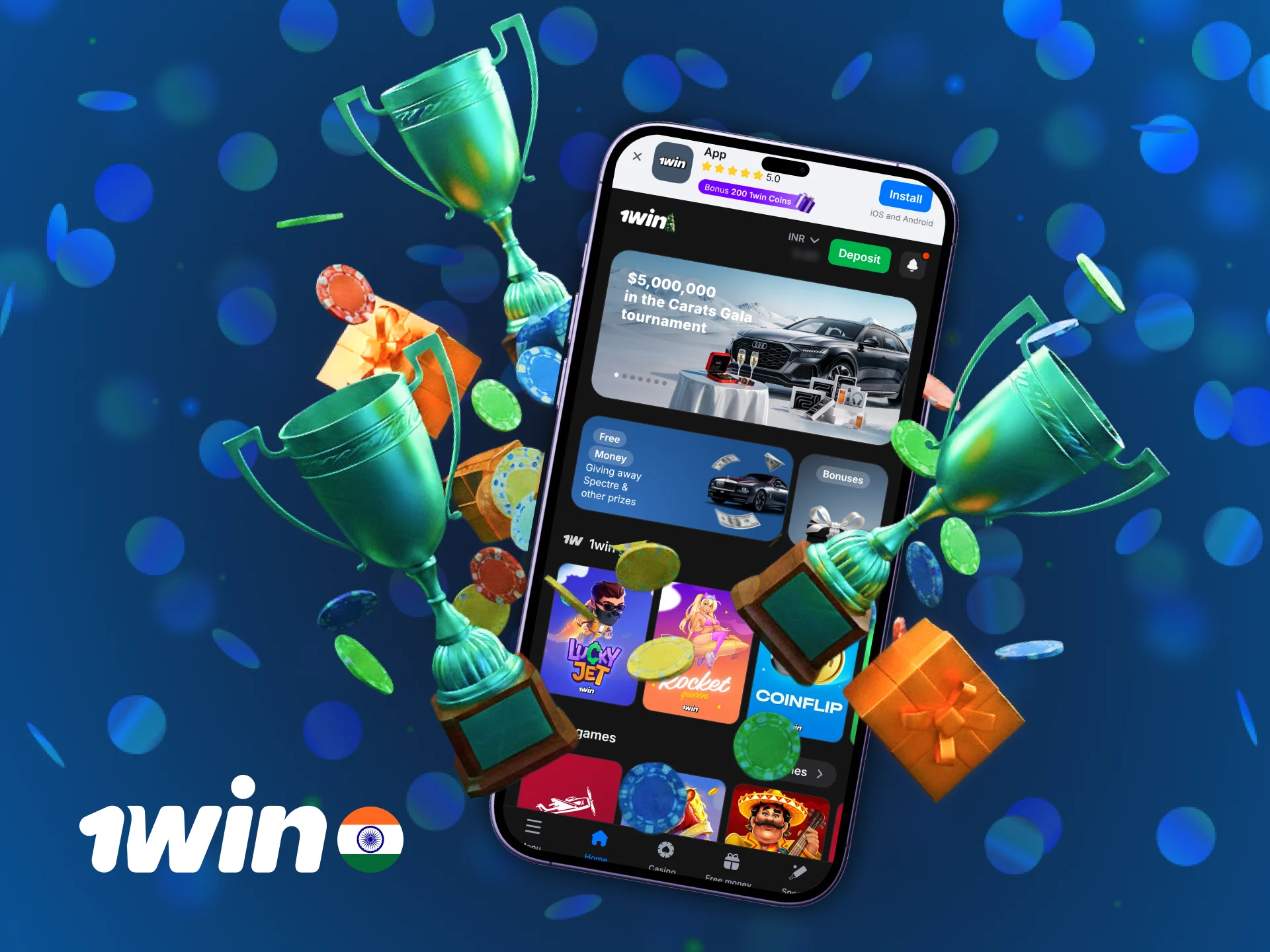
The 1win app covers sports popular in India and worldwide. You can place pre-match and live bets on the following sports:
- Cricket: IPL, T20 World Cup, Test series, ODIs, domestic leagues
- Football: Premier League, La Liga, UEFA Champions League, ISL
- Kabaddi: Pro Kabaddi League, international tournaments
- Tennis: Grand Slams, ATP, WTA events
- Basketball: NBA, EuroLeague, FIBA tournaments
- Volleyball: International and club competitions
- Table Tennis: Major leagues and championships
Types of Bets at 1win
You can choose from multiple bet types depending on your strategy:
- Single Bet: A wager on one outcome. If it wins, you receive the payout based on the odds.
- Accumulator: A combination of multiple selections. All must win for the bet to pay out, but the odds multiply.
- System Bet: A series of accumulators within a single bet slip. Some selections can lose, and you still receive a partial payout.
- Chain Bet: A sequence where winnings from one bet automatically roll into the next.
- Handicap Bet: A wager where one team starts with a virtual advantage or disadvantage to level the odds.
How to Start Betting via Mobile App
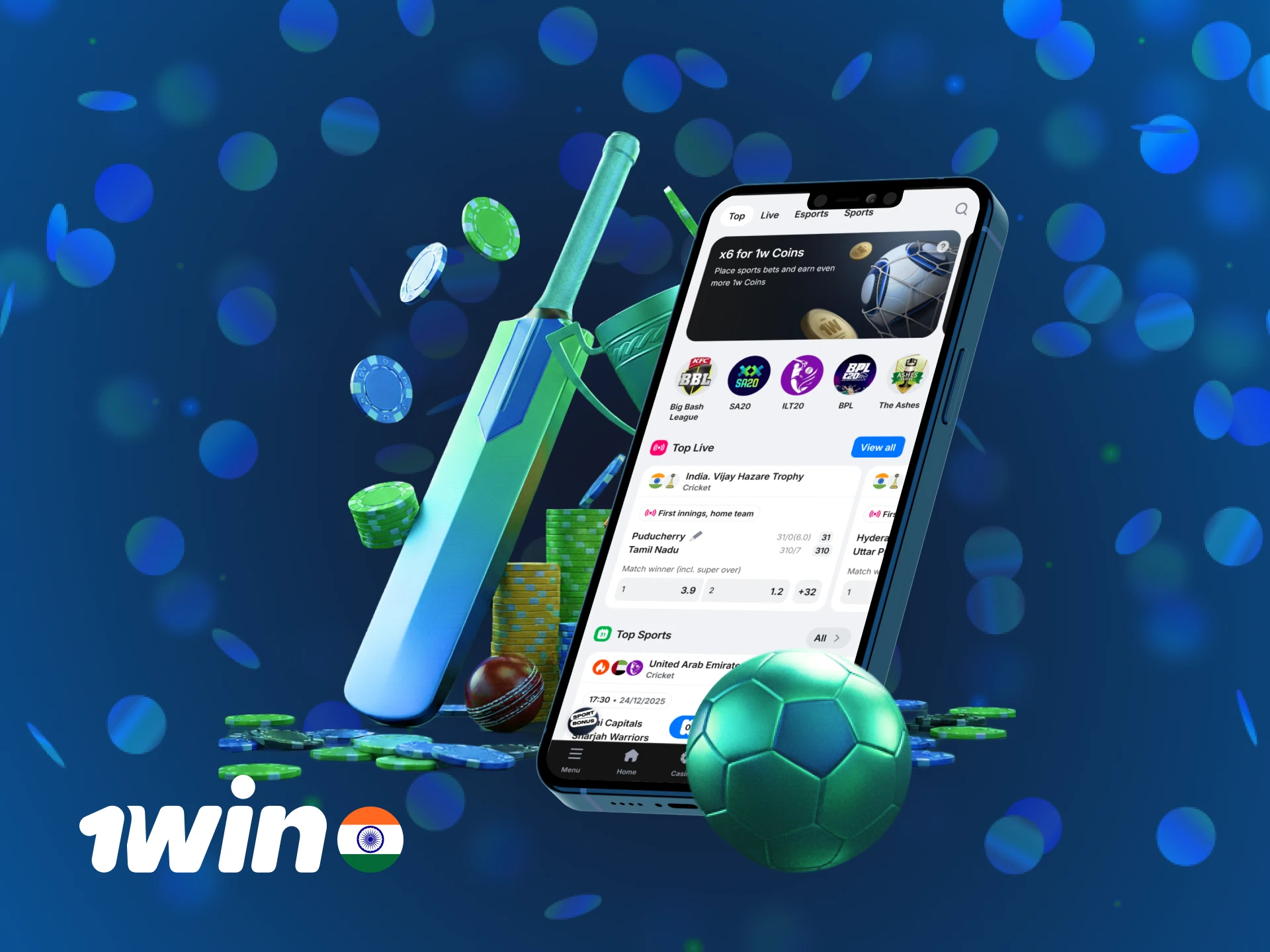
Placing your first bet through the 1win app is straightforward. Follow these steps:
- Open the app and log in to your account.
- Navigate to the “Sports” section and choose a sport (e.g., Cricket).
- Select a match and tap on the odds of your preferred outcome.
- Enter your stake in the bet slip that appears.
- Review your selection and tap “Place Bet” to confirm.
Casino Games Available in App
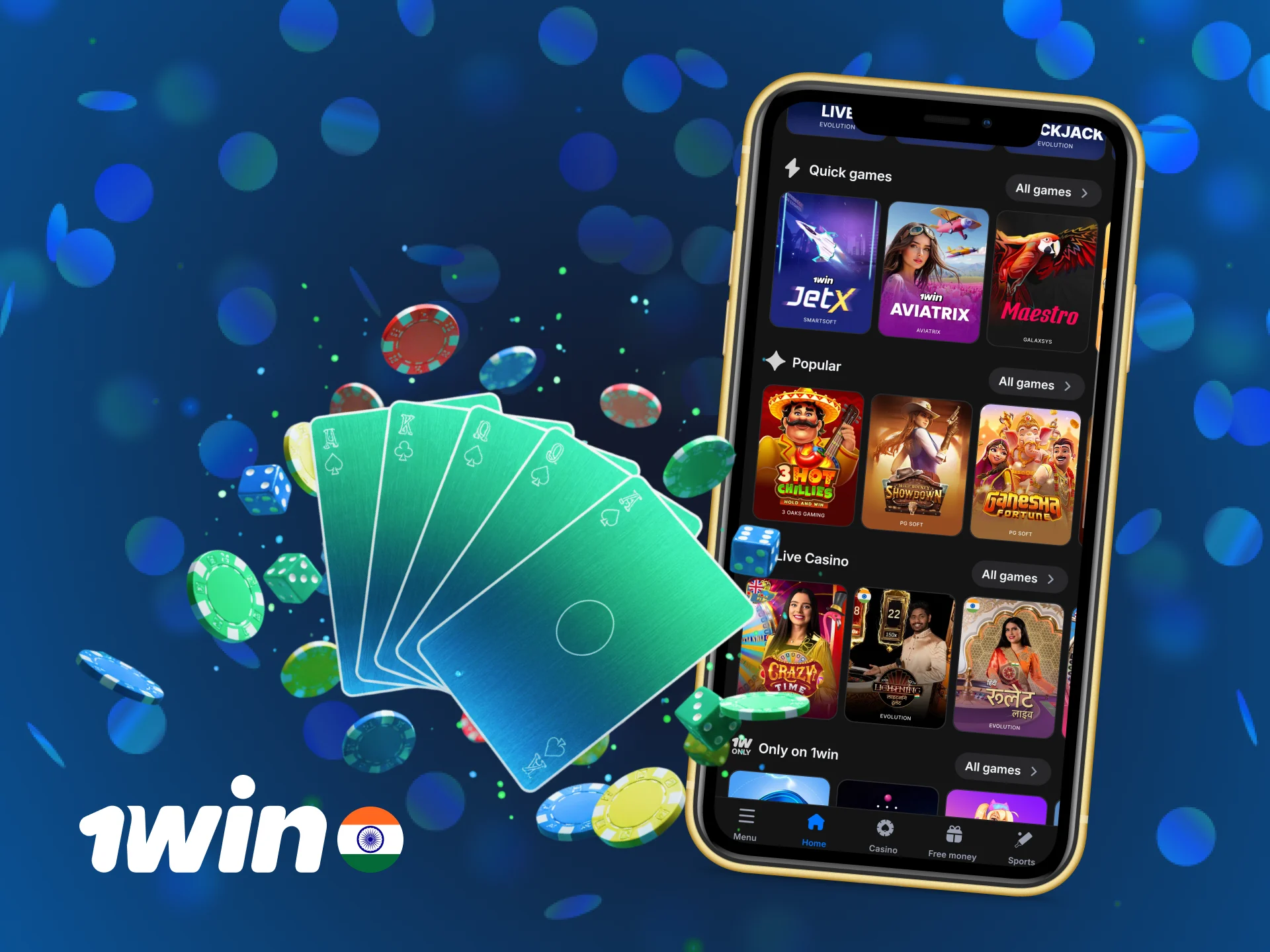
The 1win casino section includes slots, live dealer games, and instant-win games. You can filter games by provider or category.
- Book of Dead (Play’n GO)
- Sweet Bonanza (Pragmatic Play)
- Starburst (NetEnt)
- Aviator (Spribe)
- Crazy Time (Evolution Gaming)
- Mega Moolah (Microgaming)
- Gonzo’s Quest (NetEnt)
- Lightning Roulette (Evolution Gaming)
- Blackjack Live (Multiple providers)
- Andar Bahar (Ezugi)
How to Register an Account via 1win Mobile App
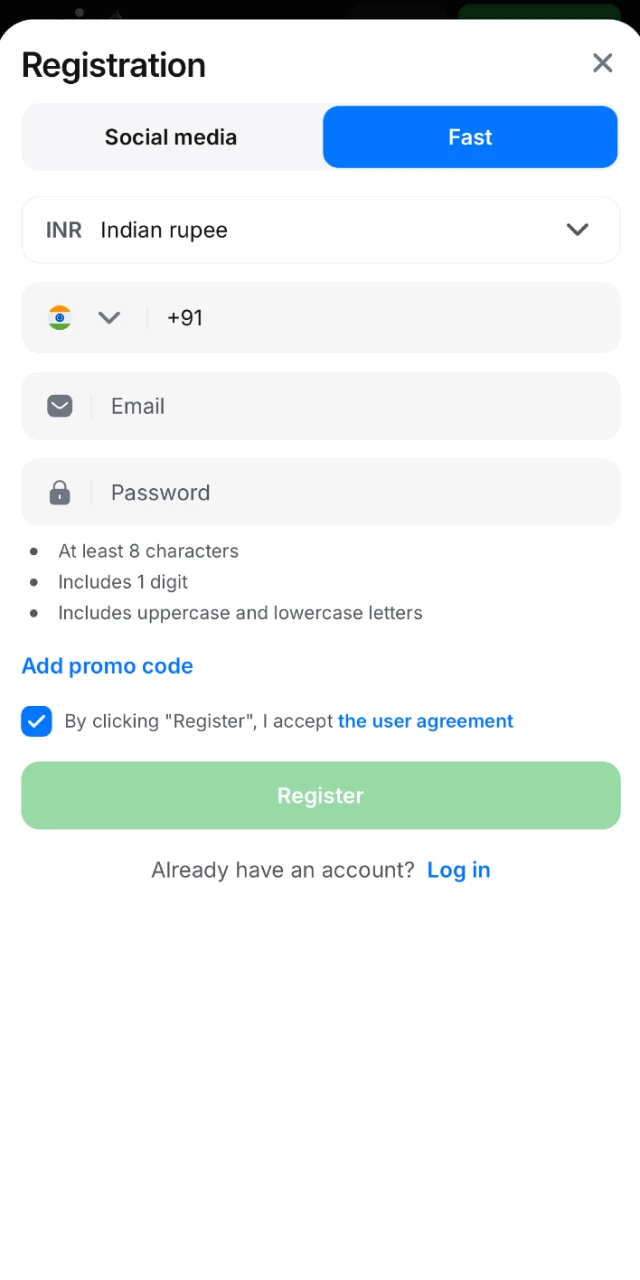
You must create an account before placing bets or making deposits. Registration takes less than two minutes.
- Open the 1win app and tap “Sign Up” on the home screen.
- Enter your mobile number, email address, and create a password.
- Select INR as your currency and enter a promo code if you have one.
- Agree to the terms and conditions, then tap “Register”.
- Verify your mobile number or email using the code sent to you.
How to Update the 1win App to the Latest Version
The 1win app functions as a web-based application, so you do not need to update it manually. Every time you open the app, it loads the latest version automatically. This eliminates the need to download new files or reinstall the app. You will always have access to the newest features, betting markets, and security improvements without taking any action.
Payment Methods for Mobile App Users of 1win in India
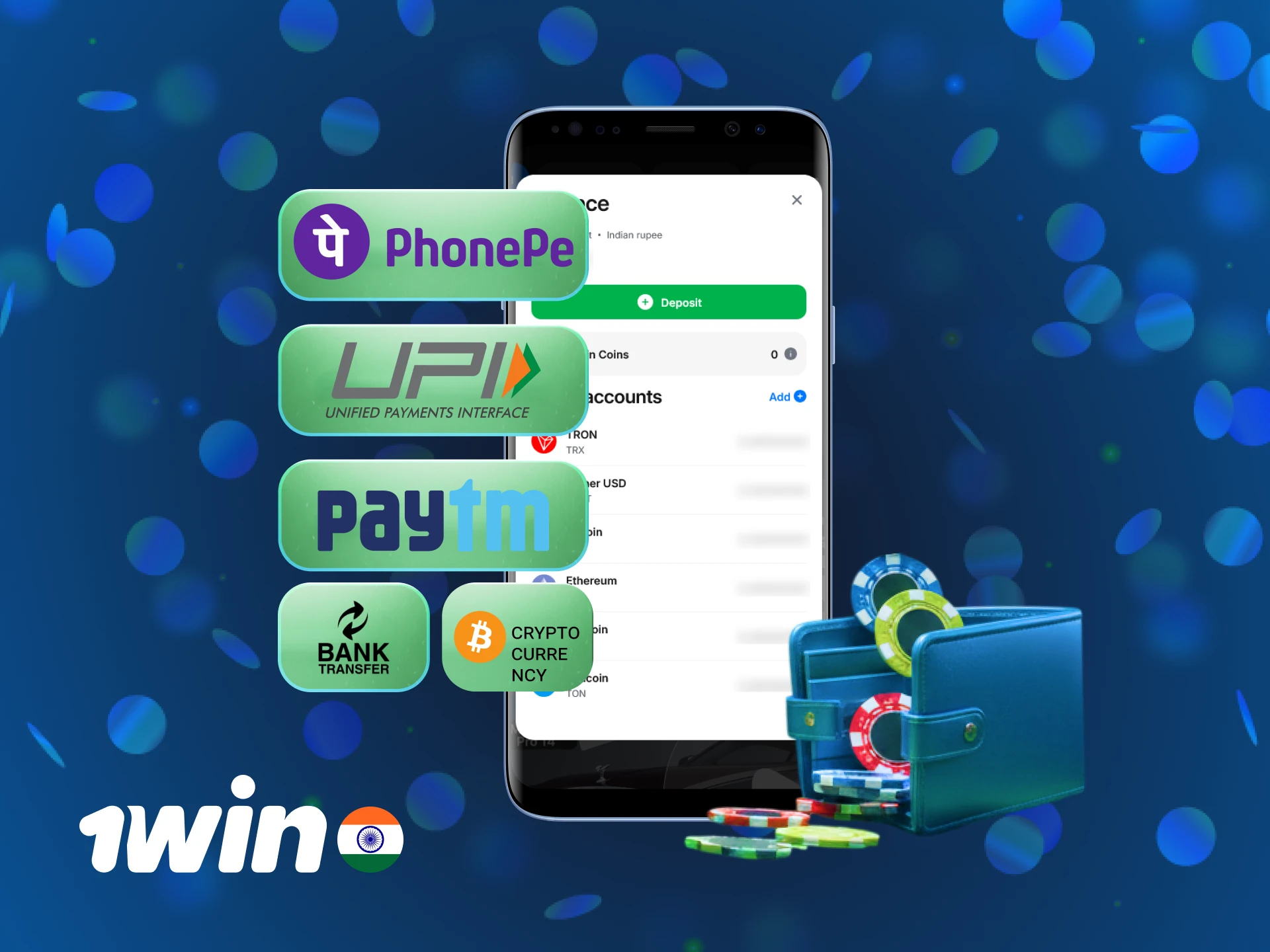
The 1win app supports multiple payment methods popular in India. Deposits are instant, and withdrawals typically process within 24 hours.
| Payment Method | Min Deposit | Max Deposit | Min Withdrawal | Max Withdrawal |
|---|---|---|---|---|
| UPI | ₹300 | ₹100,000 | ₹1,000 | ₹100,000 |
| Paytm | ₹300 | ₹100,000 | ₹1,000 | ₹100,000 |
| PhonePe | ₹300 | ₹100,000 | ₹1,000 | ₹100,000 |
| IMPS | ₹500 | ₹150,000 | ₹1,000 | ₹150,000 |
| NetBanking | ₹500 | ₹200,000 | ₹1,000 | ₹200,000 |
| Visa/Mastercard | ₹500 | ₹200,000 | ₹1,000 | ₹200,000 |
How to Make a Deposit via Mobile App
Adding funds to your 1win account through the app is quick and secure.
- Open the app and tap the “Cashier” or “Deposit” button.
- Choose your preferred payment method (e.g., UPI, Paytm, PhonePe).
- Enter the deposit amount (minimum ₹300) and follow the on-screen instructions.
- Confirm the transaction. Funds appear in your account within seconds.
How to Withdraw your Winnings on Mobile
Withdrawing your winnings from the 1win app is straightforward. Follow these steps:
- Open the app and tap the “Cashier” or “Withdraw” button.
- Select your preferred withdrawal method (must match your deposit method).
- Enter the withdrawal amount (minimum ₹1,000) and confirm.
- Your request is processed within 15 minutes to 24 hours, depending on the payment method.
Key Features of 1win Mobile App
The 1win app offers several features designed for Indian players:
- Support for Indian payment methods (UPI, Paytm, PhonePe, IMPS)
- Deposits and withdrawals in INR
- 500% welcome bonus up to ₹180,000
- Live betting on cricket, football, and other sports
- Thousands of casino games from top providers
- 24/7 customer support in English and Hindi
- Push notifications for bet updates and promotions
- Secure login using Touch ID or Face ID
- Fast loading times, even on slower connections
Customer Support
The 1win support team is available 24/7 to help you resolve account issues, answer questions about bonuses, or assist with deposits and withdrawals. You can reach support through the following channels:
| Contact Method | Availability | Response Time |
|---|---|---|
| Live Chat | 24/7 | Instant |
| 24/7 | 1–6 hours | |
| Telegram | 24/7 | Under 30 minutes |
| Phone | 24/7 | Instant |
FAQ
Is the 1win app legal in India?
The 1win app operates under an international licence. Online betting laws vary by state in India, so check your local regulations before registering.
Can I use the same account on both the app and website?
Yes. Your account works on both the app and the mobile website. You can switch between them without losing your balance or bet history.
Do I need to verify my account before withdrawing?
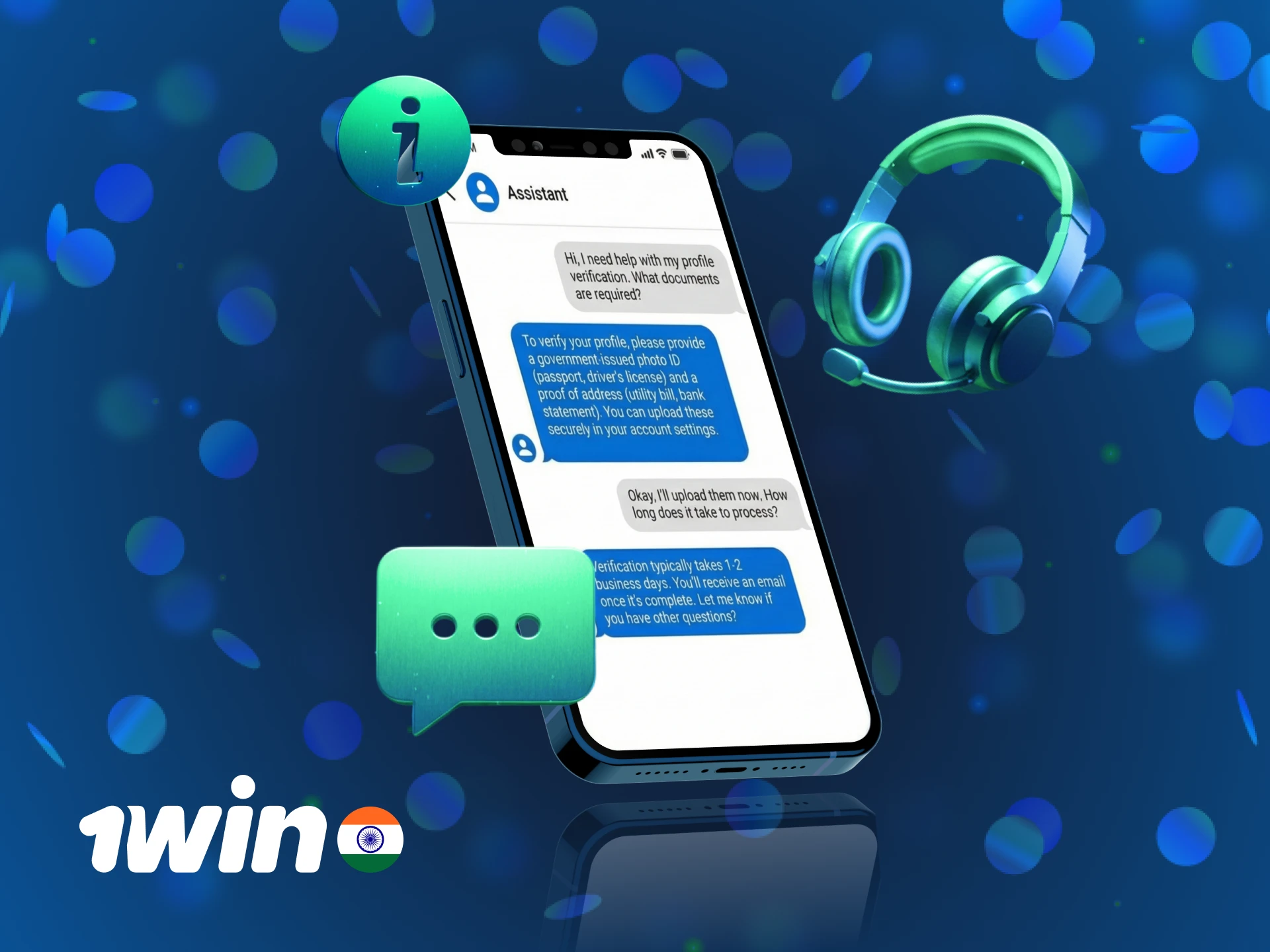
Yes. 1win may ask for identity verification (Aadhaar, PAN card, or passport) before processing your first withdrawal. This step is required to comply with anti-money laundering regulations.
Can I bet on IPL matches through the app?
Yes. The 1win app covers all IPL matches, including pre-match and live betting markets. You can bet on match winners, top batsman, total runs, and more.
What should I do if the app does not open after installation?
Go to “Settings” > “General” > “Device Management” and trust the 1win profile. If the issue persists, delete the app, restart your device, and reinstall it.
Updated: