Step 1
Install the Application
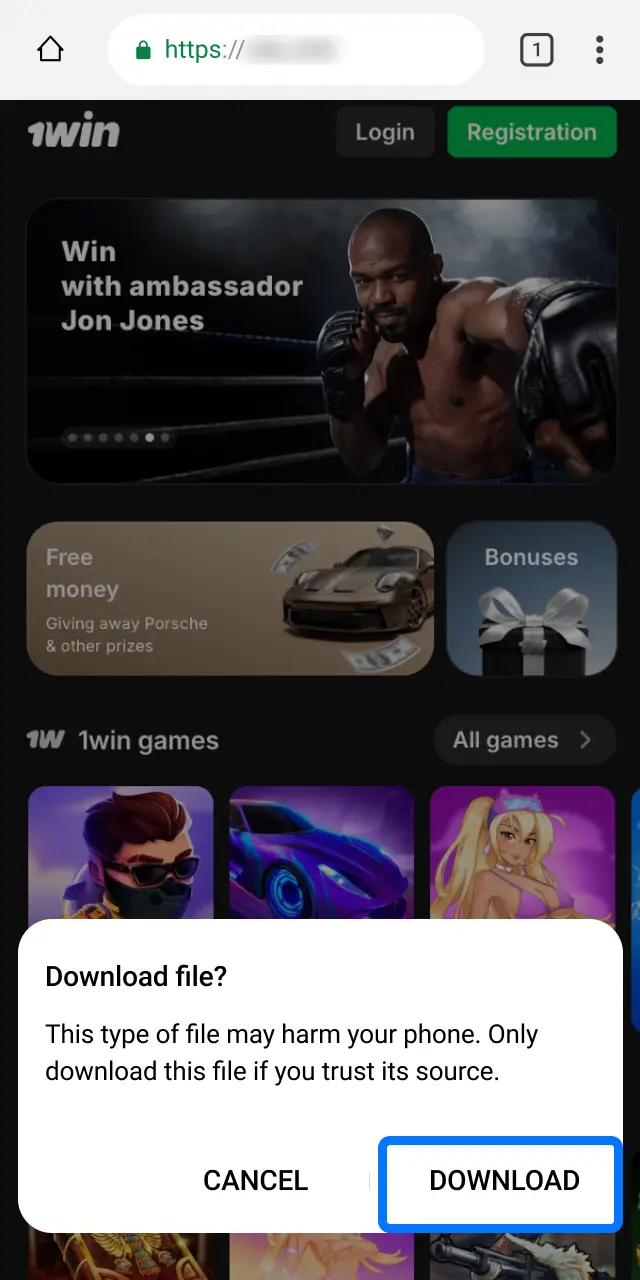
Download the app from the official site if you haven’t already.

Log in to your account through the website or mobile app in seconds. You only need your registered credentials—email or phone number and password. The process is fast and secure, protected by encryption and optional two-factor authentication. After logging in, you can place bets on sports, play casino games, activate bonuses, and manage deposits and withdrawals.

You can access your profile using several methods. Each option is designed for speed and convenience.
Available methods:
This is the most common method. You enter your registered email address and password to access your account.
The mobile app offers faster access and a streamlined interface compared to the browser version. You can enable biometric login or one-click sign-in for quicker access.
Step 1
Download the app from the official site if you haven’t already.
Step 2
Open the app on your device.
Step 3
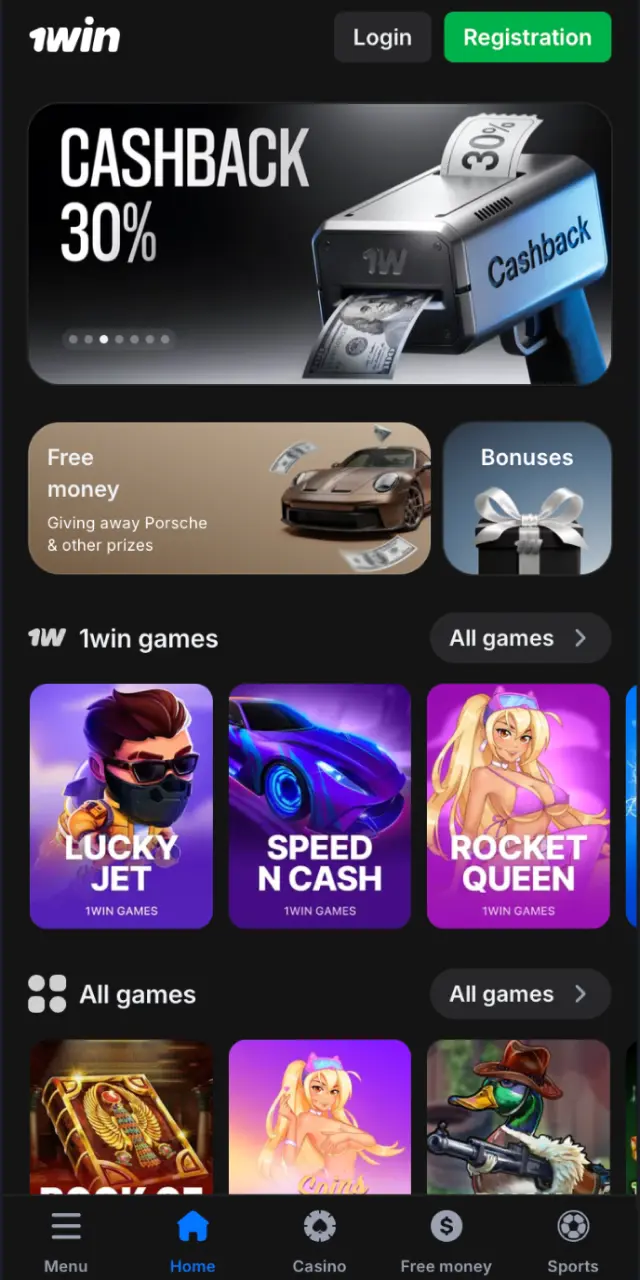
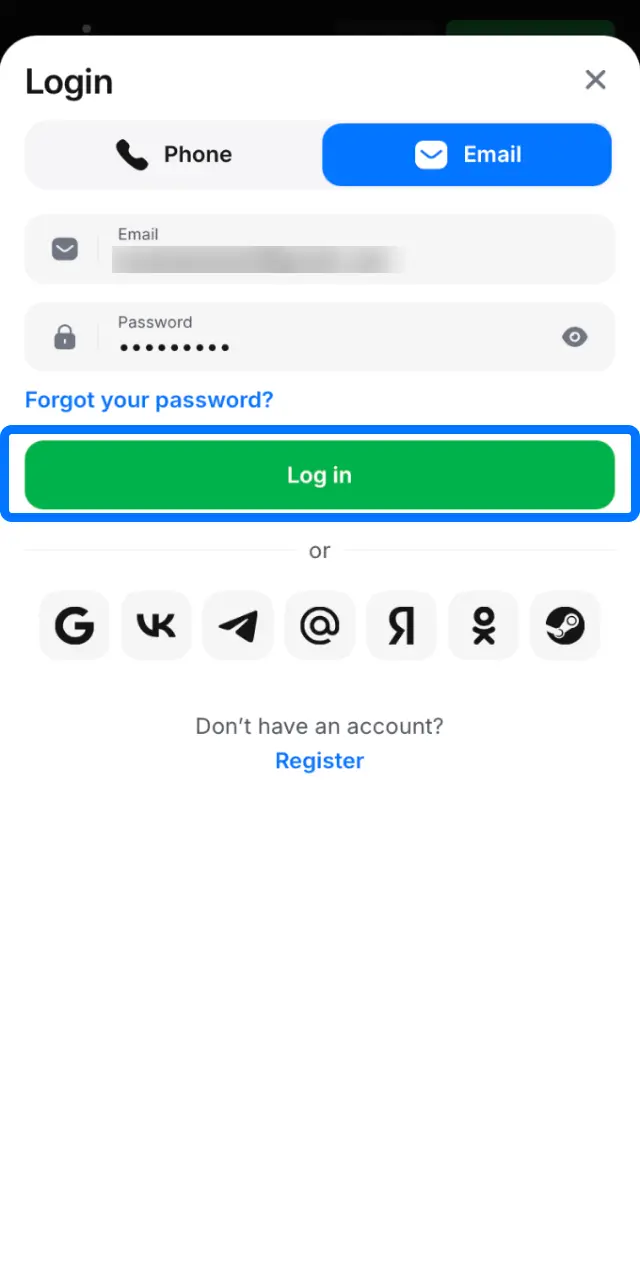
Tap the login button on the home screen.
Step 4
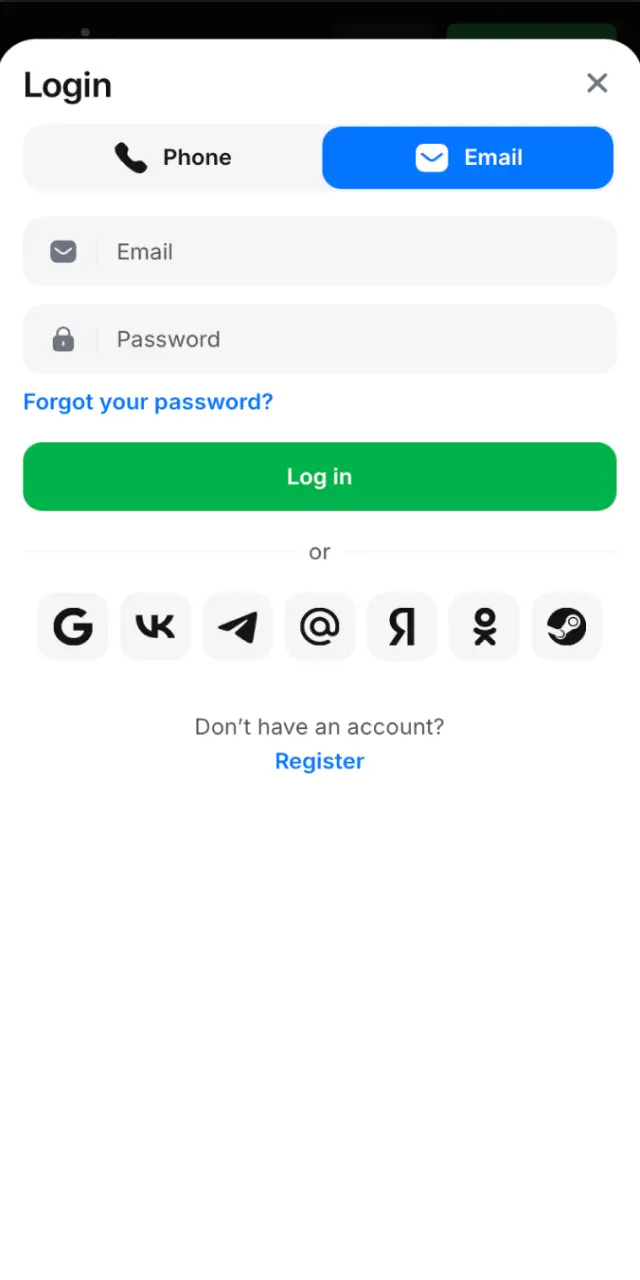
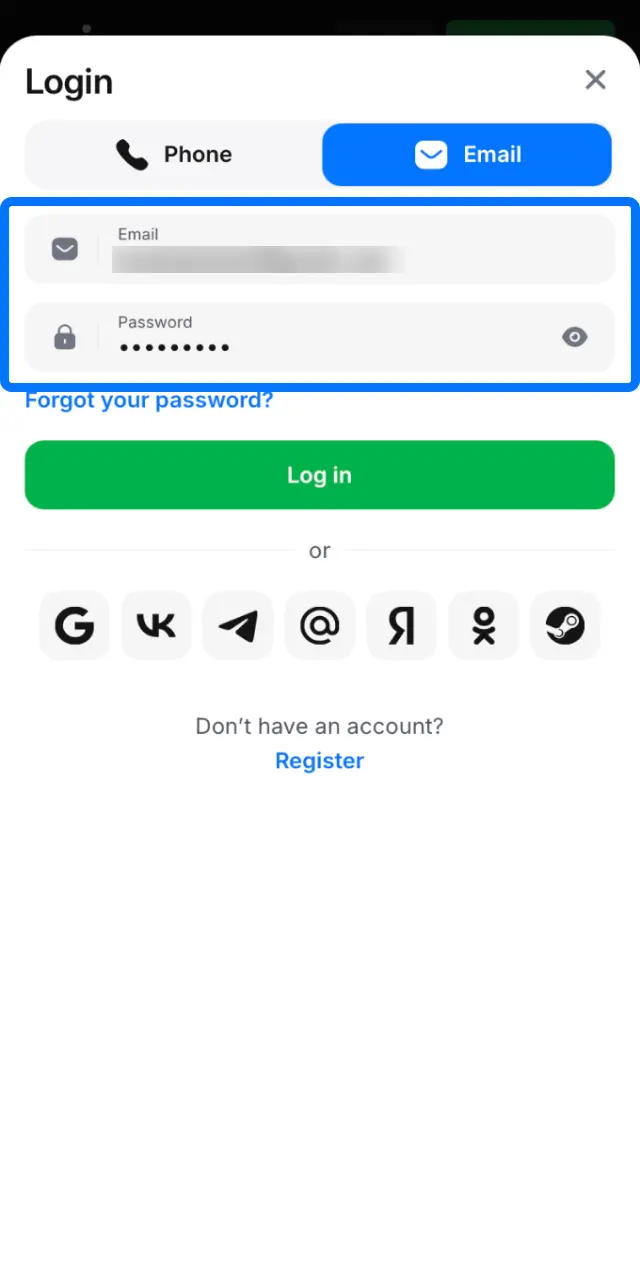
Enter your email or phone number and password, or use biometric authentication if enabled.
Step 5
Tap the confirmation button to access your account.
Some users may face technical or credential-related issues when trying to sign in. Here are the most common problems and how to fix them.
| Problem | Solution |
|---|---|
| Incorrect password entered | Double-check your password for typos. Use the ‘Show password’ option to verify. If you forgot it, click ‘Forgot Password’ to reset it. |
| Account locked after multiple failed attempts | Wait 15–30 minutes before trying again, or contact support to unlock your profile immediately. |
| Email or phone number not recognized | Verify that you’re using the same credentials you registered with. Check for extra spaces or incorrect characters. |
| Page not loading or slow response | Clear your browser cache, switch to another browser, or use the mobile app instead. |
| Two-factor authentication code not received | Check your spam folder, request a new code, or contact support if the issue persists. |
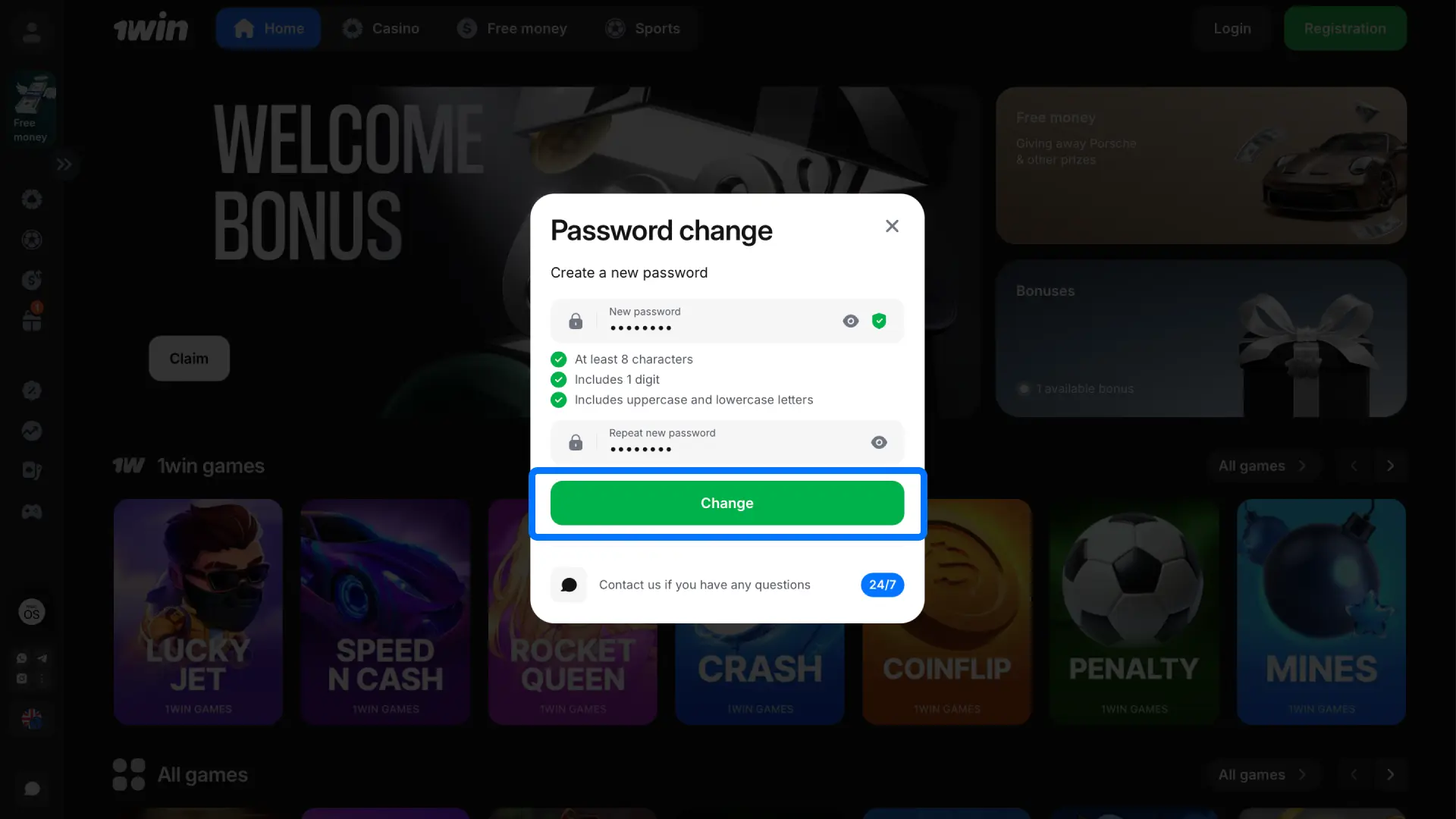
If you can’t remember your password, you can reset it in a few steps. The process is secure and takes less than five minutes.
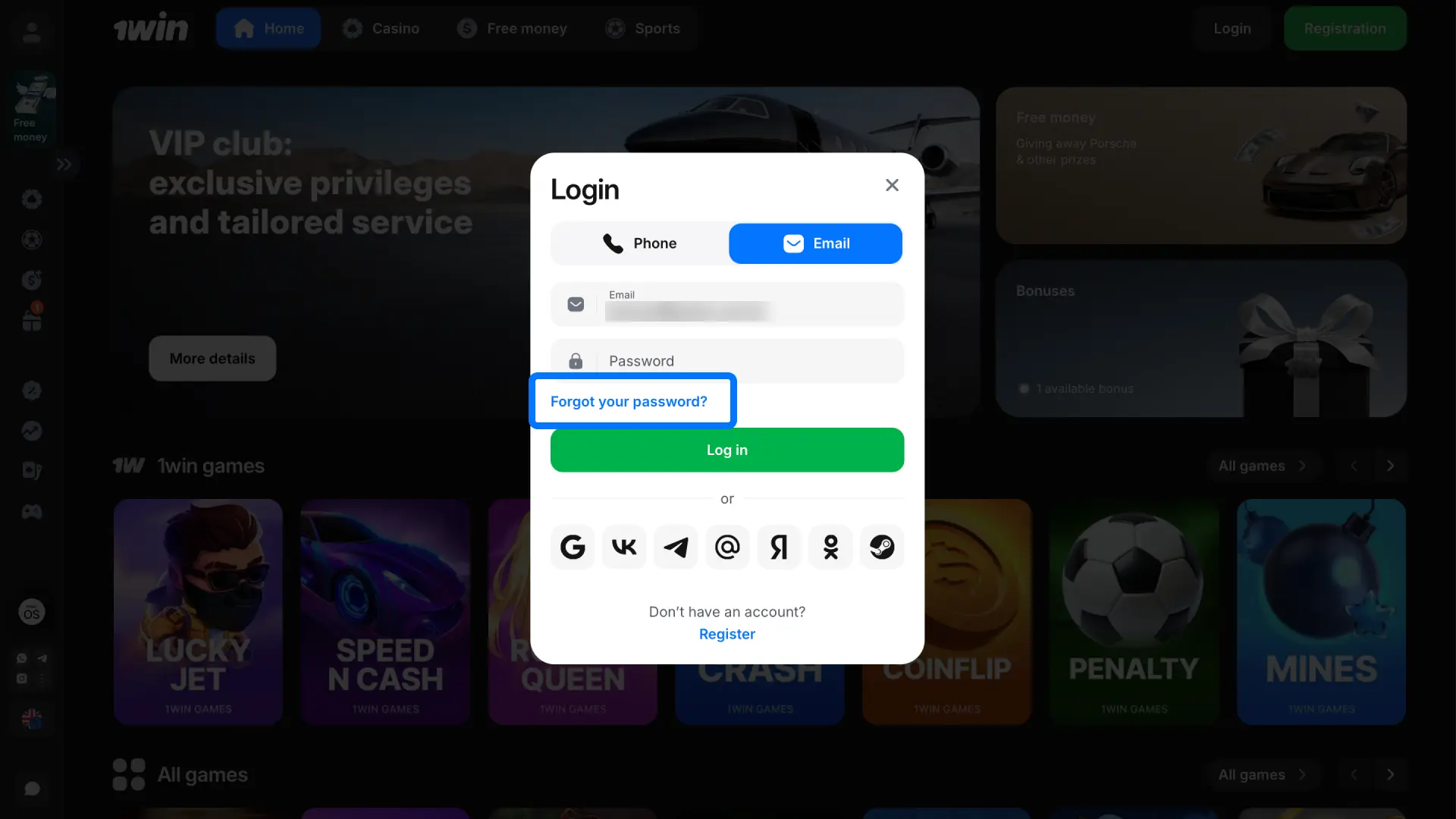
Step 1
Click the ‘Forgot Password’ link on the login page.
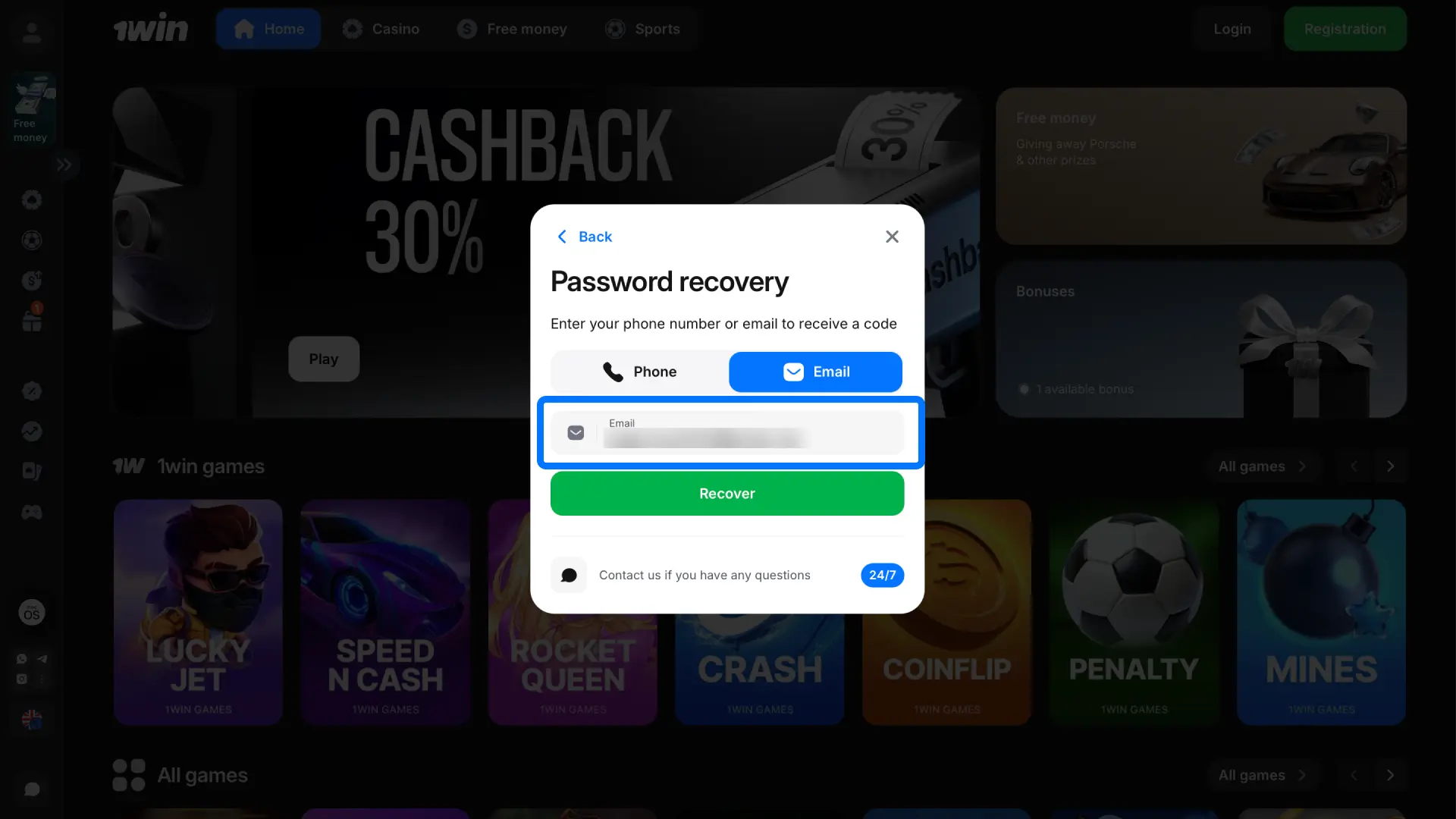
Step 2
Enter your registered email or phone number.
Step 3
Open the recovery message sent to your email or SMS.
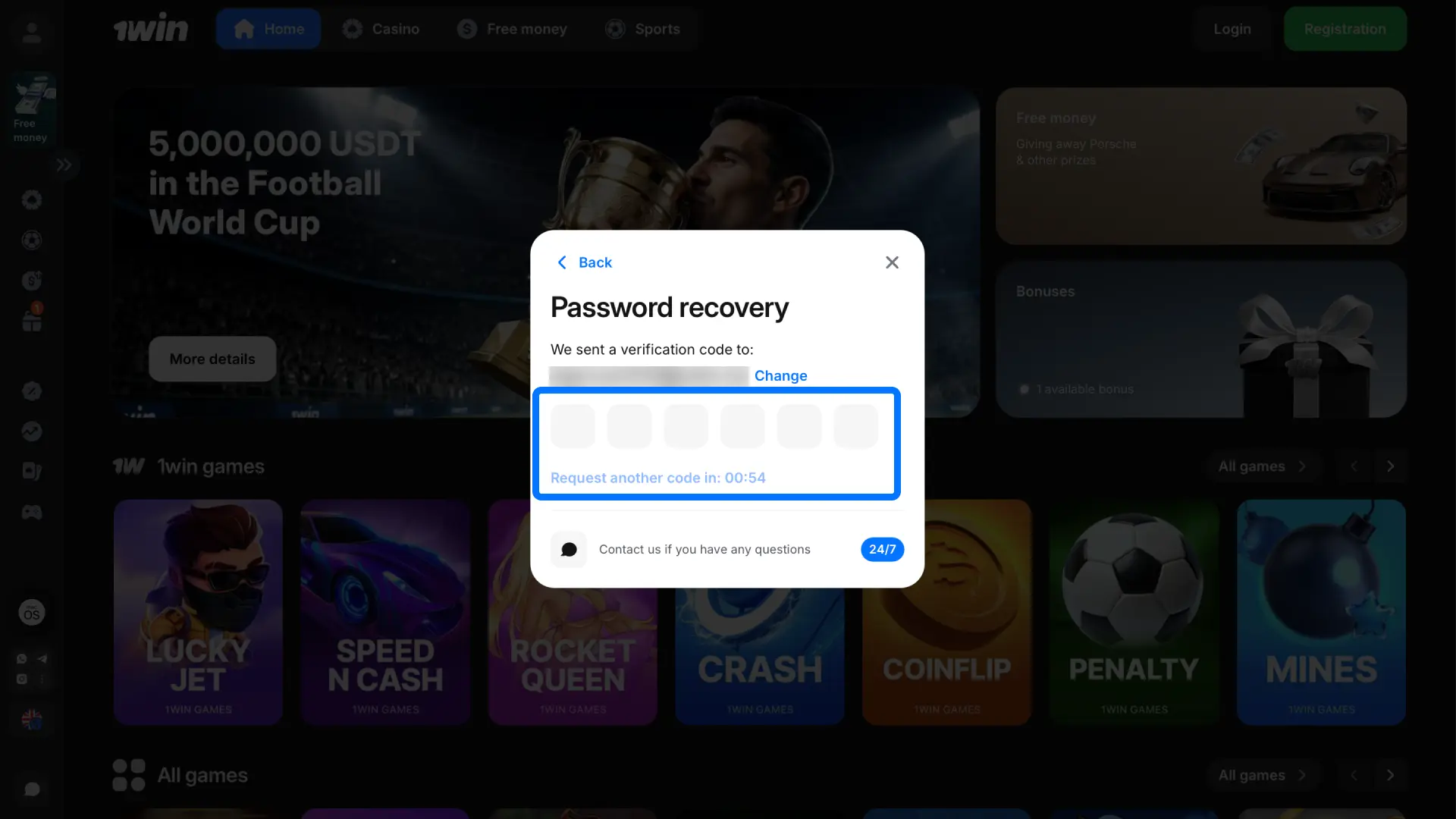
Step 4
Follow the link and create a new password.
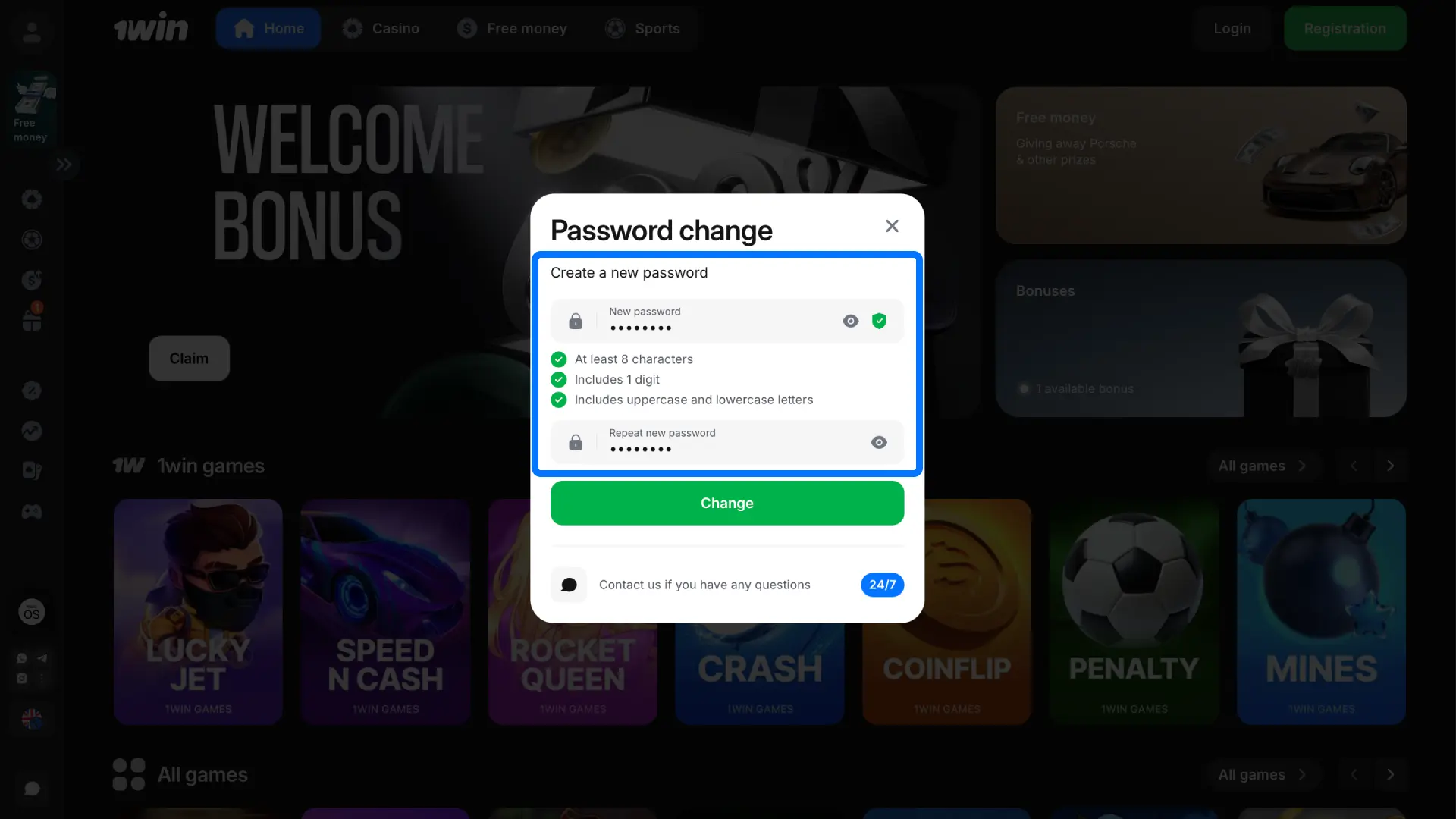
Step 5
Log in using your new credentials.
Yes. You can access your profile from a phone, tablet, and computer at the same time. The platform syncs your data across all devices.
No. You can log in right after registration. Verification is required only when you request a withdrawal or reach certain transaction limits.
This usually means the system flagged unusual login behavior. Contact support to confirm your identity and unlock your profile.
Yes. Go to your profile settings and update your email, phone number, or password anytime.
No. You can log in as many times as you need. However, repeated failed attempts may temporarily lock your account for security reasons.
Updated: